Build chat automation for your clients
Many client accounts in one profile, templates you build once and install anywhere, and roles for your team and your clients.

- From Growth Dept
What agencies deliver
- Client accounts in one profile
- Templates installed in seconds
- Locked templates for paid kits
- Roles for clients and staff
- API and webhooks for custom work
Your playbook, installed for every client
Turn your best setups into templates, install them on each client's account, and run them from one place.
01 / 05
One profile, every client
Each client gets an account with its own channels, contacts and team. You switch between them in a click.
02 / 05
Templates that carry your know-how
Package flows, tags, fields and growth tools as a template. Install it on a client's account or send them a link.
Installed: Lead capture kit
03 / 05
Roles for everyone
Your staff build, clients watch the inbox or the numbers. Each person sees only what their role allows.
- PRPriya (you)Owner
- SASamAdmin
- LELeeEditor
- ANClient: AnaViewer
04 / 05
Custom work through the API
Each account has API keys and webhooks, and flows can call your own server, so you can build what your clients need.
When
Lead qualified
Step 1
Send to your client's CRM
Step 2
Notify the sales team
05 / 05
Hand clients the results
Insights shows contacts and conversions for each account, ready for your monthly report.

Every channel your clients need
- InstagramDMs, comments, stories and new followersLearn more Not live yet
- WhatsAppAnswers, updates and templates on WhatsAppLearn more Not live yet
- MessengerAnswers for your Facebook Page's messagesLearn more Not live yet
- TikTokReplies for the people your videos bring inLearn more Not live yet
- TelegramBots with buttons, commands and linksLearn more Live
- SMSTexts with consent and quiet hours built inLearn more Not live yet
- EmailEmails that follow up on a chatLearn more Live
- Website chatA chat window on your own siteLearn more Live
Agency work by hand
Every client from scratch
- Rebuilding the same flows
- Shared logins everywhere
- Clients asking what happened
- Custom work that can't plug in
Agency work with Engage
Build once, deliver many times
- Templates installed in seconds
- Each person with their own role
- Numbers for every account
- An API for the custom bits
What agencies build
Common client projects, each one a template.
See it work
When
Tapped Get a quote
Step 1
Ask budget and timing
Step 2
Tag: hot lead if ready now
Step 3
Notify the client's team
Questions, scoring with tags, and a hand-off to sales.
Start with your first client
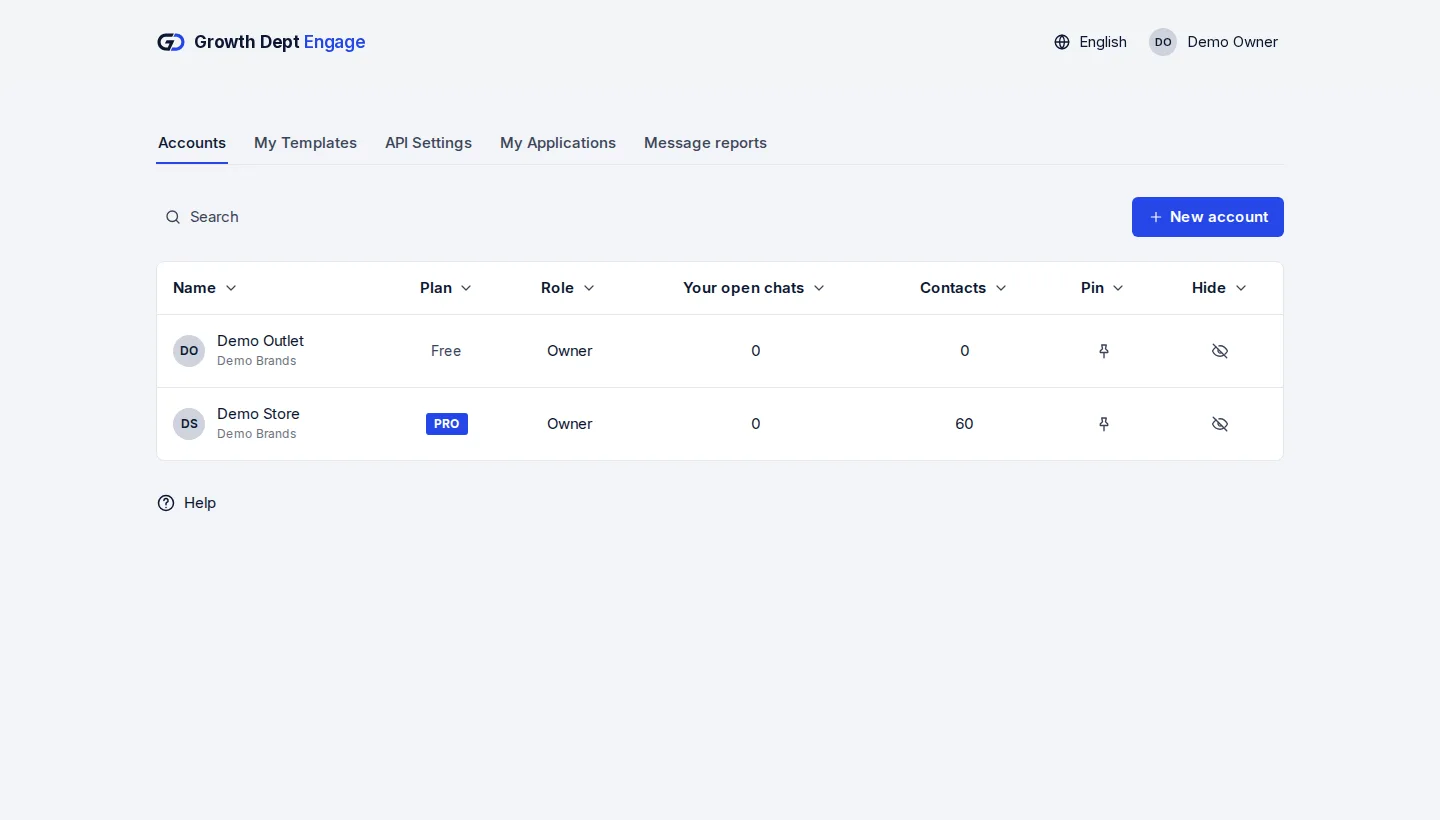
Step 1: Request access
Tell us about your brand and the channels you use, and we set up your account with you.
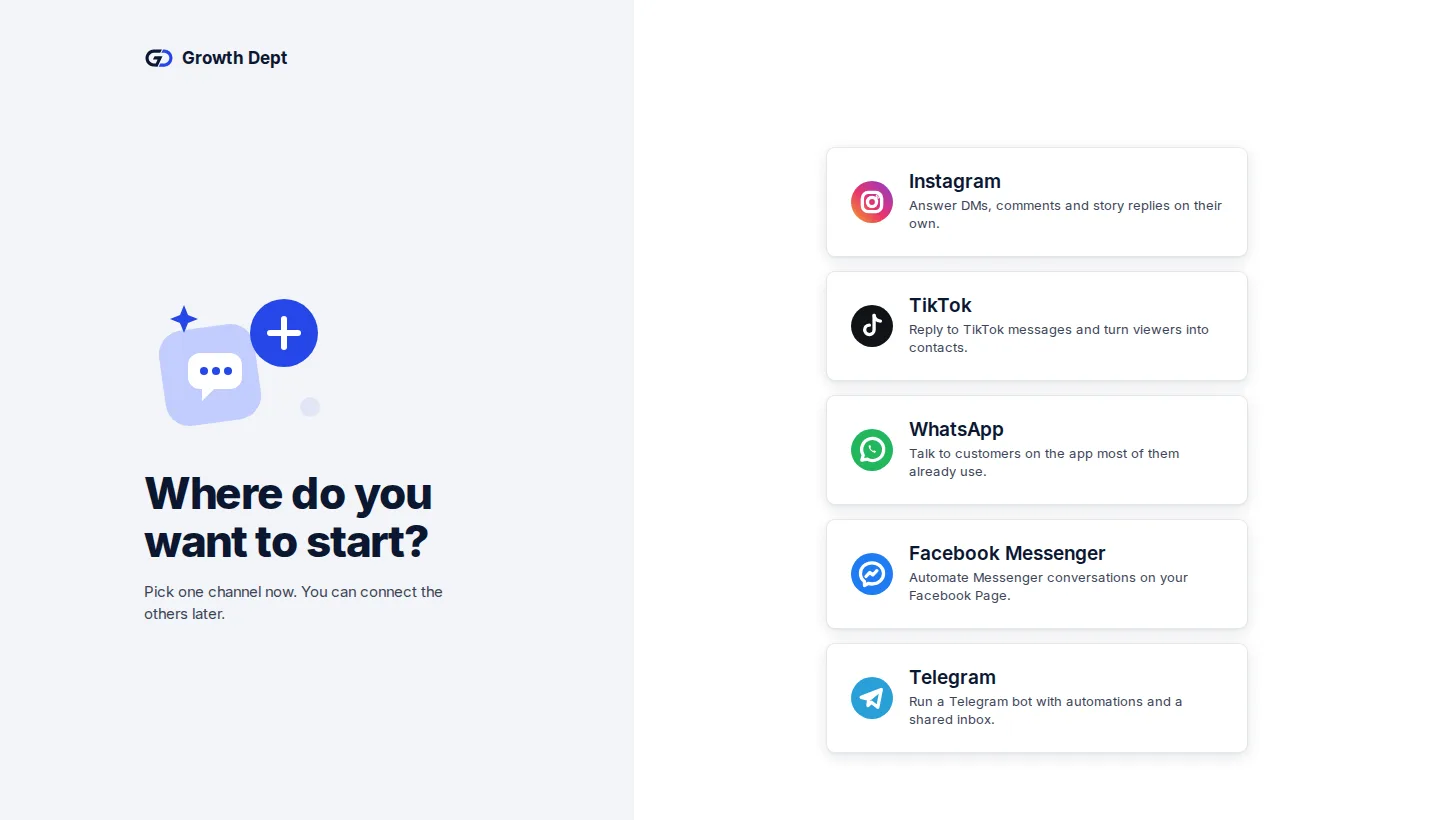
Step 2: Connect your channels
Add the client's account and connect their channels.
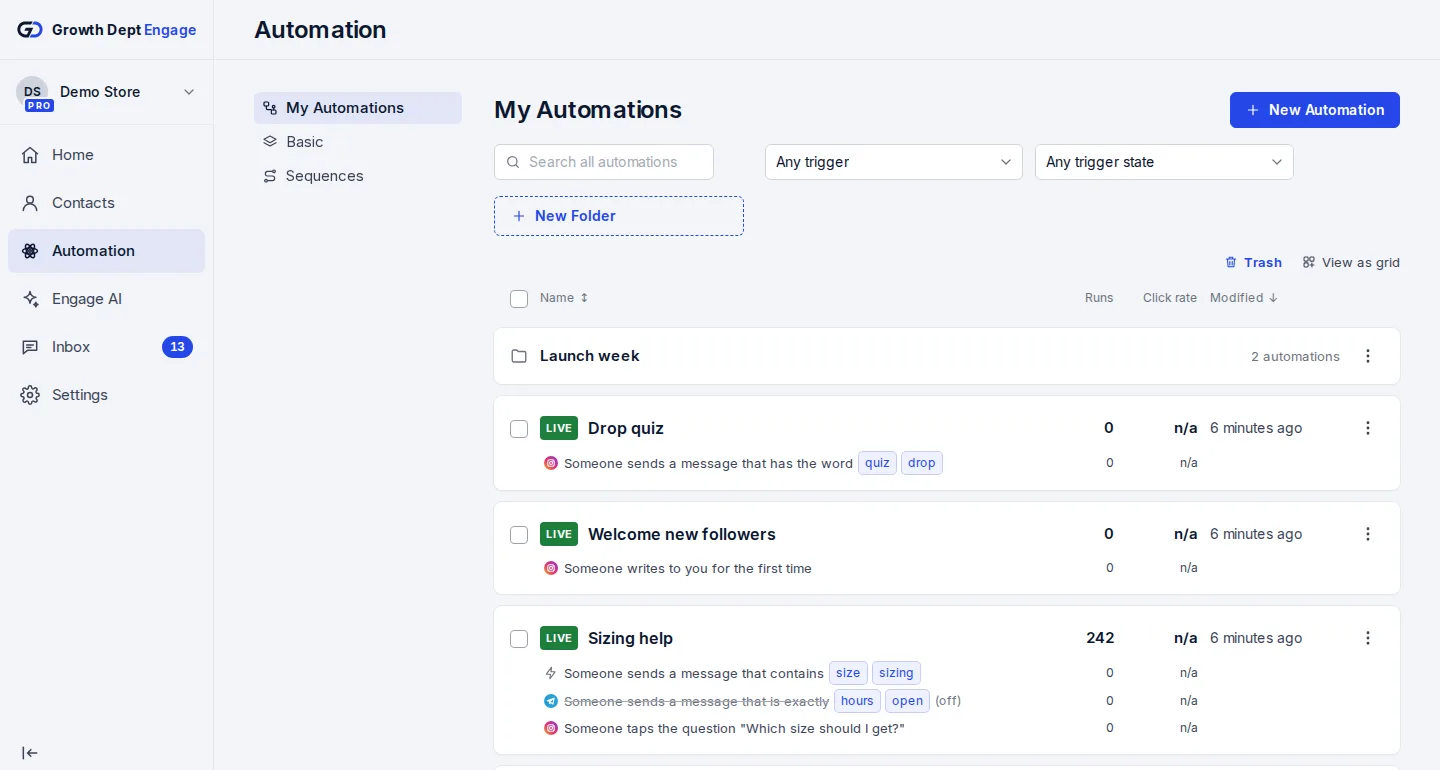
Step 3: Install your template
Install a template you built, or start from one of ours.

