A chat window for your own site
Answer visitors' questions with your flows, collect emails, and pass the conversation to your team in the same inbox as every other channel.
Live: add the chat widget to any website.
Chat with us
Hi! Looking for something?
Track my orderSizing
- From Growth Dept
What websites use it for
- Where's my order?
- Sizing and fit questions
- Emails for a discount
- Booking a call
- Hand off to support
Visitors ask. Your flows answer.
The same automations you run on social answer people on your website, and anything they can't handle goes to your team.
01 / 03
Answer the questions that block a sale
Sizing, delivery and returns answered right on the product page, without leaving it.
02 / 03
Collect an email before they go
Offer something useful and ask for an email in the chat. It's saved to the contact with a tag.
Email saved · Tag: site discount
03 / 03
Hand the tricky ones to a person
When a website conversation needs a human, it moves to your team's inbox with the contact's history beside it, and the automation steps aside.
- Sam P.Do you have this in a medium?
- Ari L.Where is my order?
- Jo M.Thanks, that workedAnswered by an automation
- Riley K.Can I change my address?
Sam P. · Instagram
Do you have this in a medium?
Checking for you now.
A site without chat
Questions that never get asked
- Visitors leave instead of asking
- Support emails a day later
- No way to follow up
- The same questions in every inbox
Your site with Engage
Answers on the page
- Questions answered on the spot
- Emails collected in the chat
- One inbox for site and social
- Contacts you can reach again
What websites switch on first
Add the script once; change the flows any time.
See it work
When
Visitor taps Track my order
Step 1
Ask for the order number
Step 2
Look it up on your server
Step 3
Reply with the status
Ask for an order number and answer from your own system.
On your site in three steps
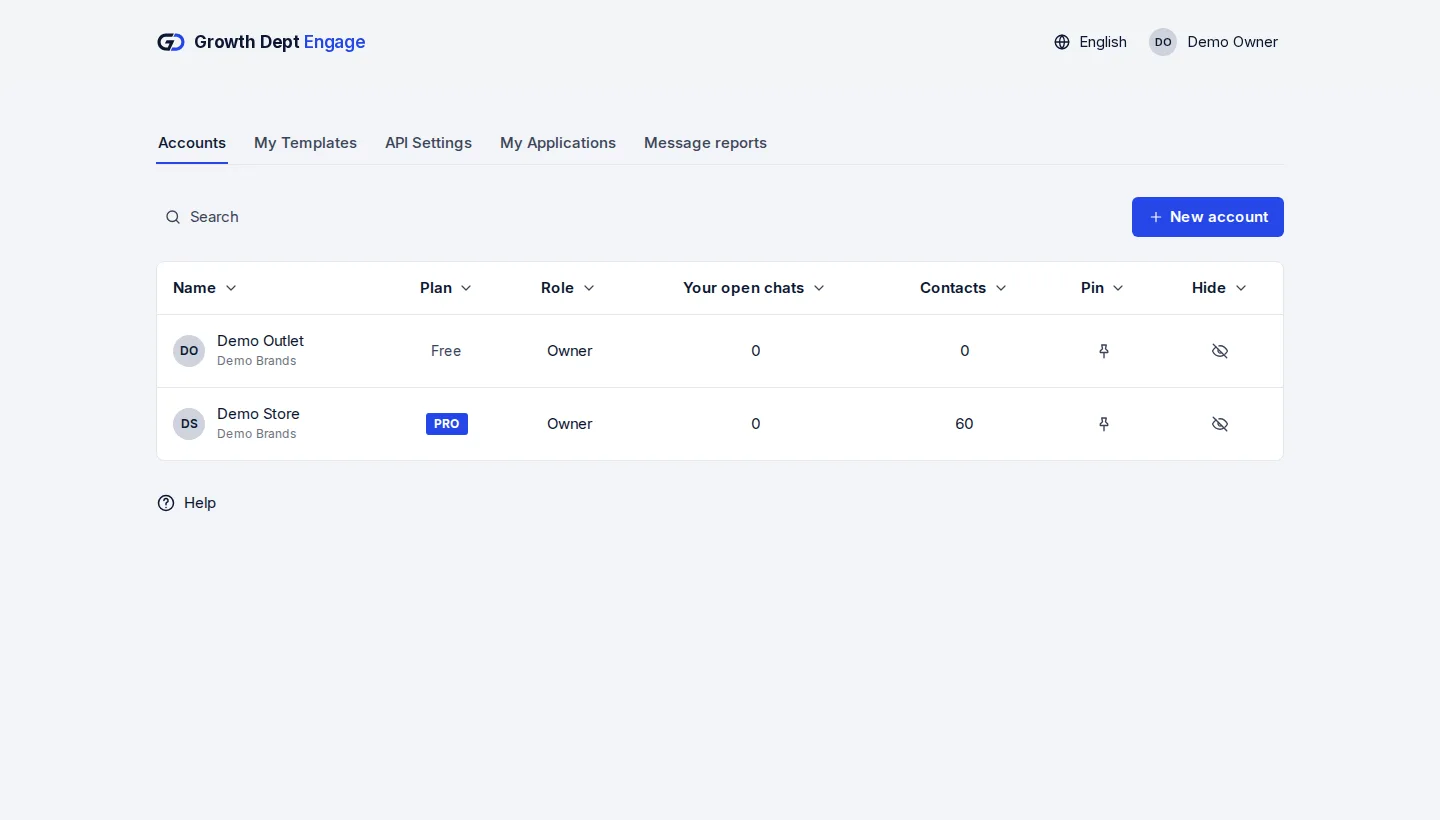
Step 1: Request access
Tell us about your brand and the channels you use, and we set up your account with you.
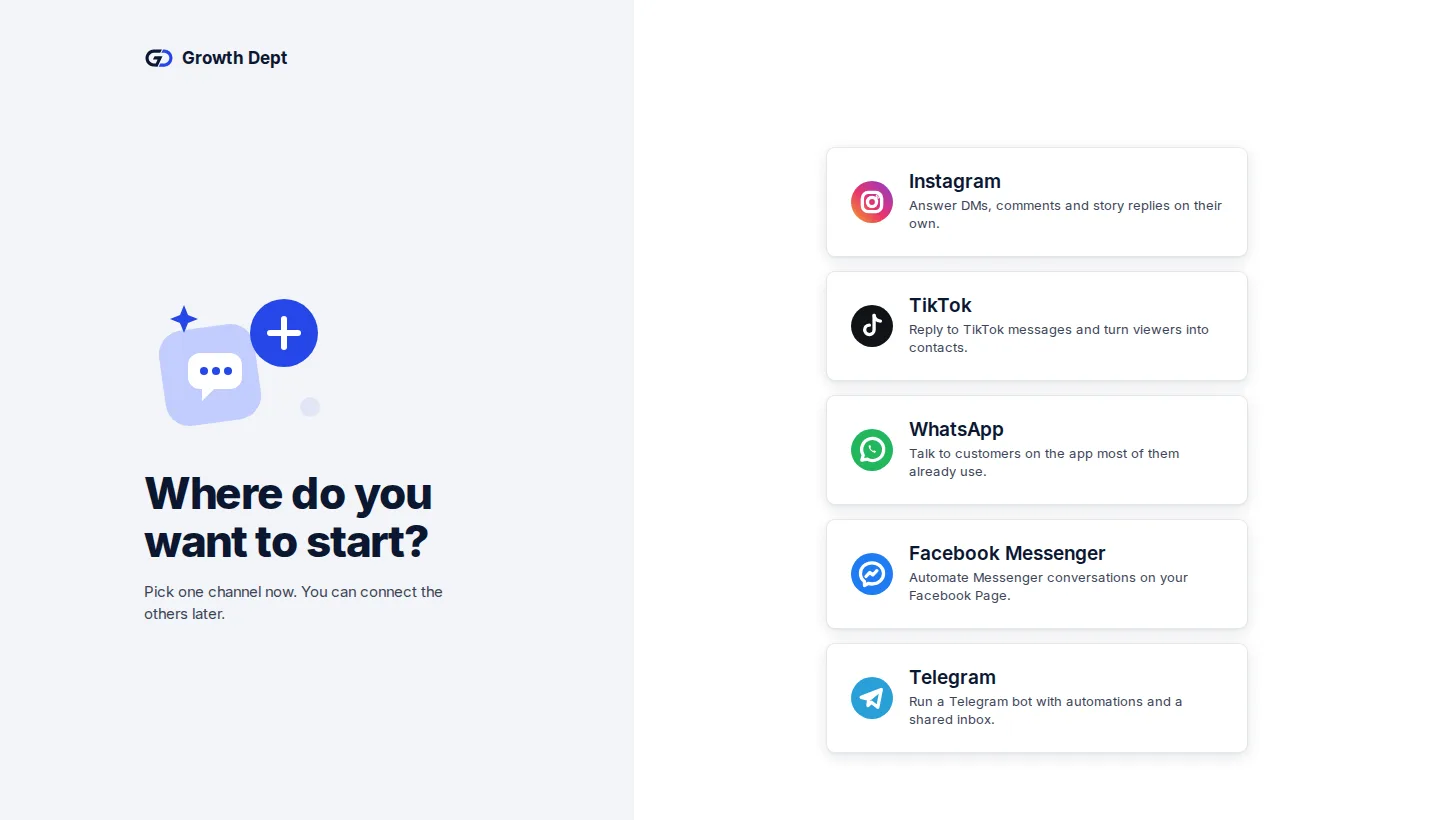
Step 2: Add the script
Paste one script tag into your site. On Shopify it goes in your theme's code.
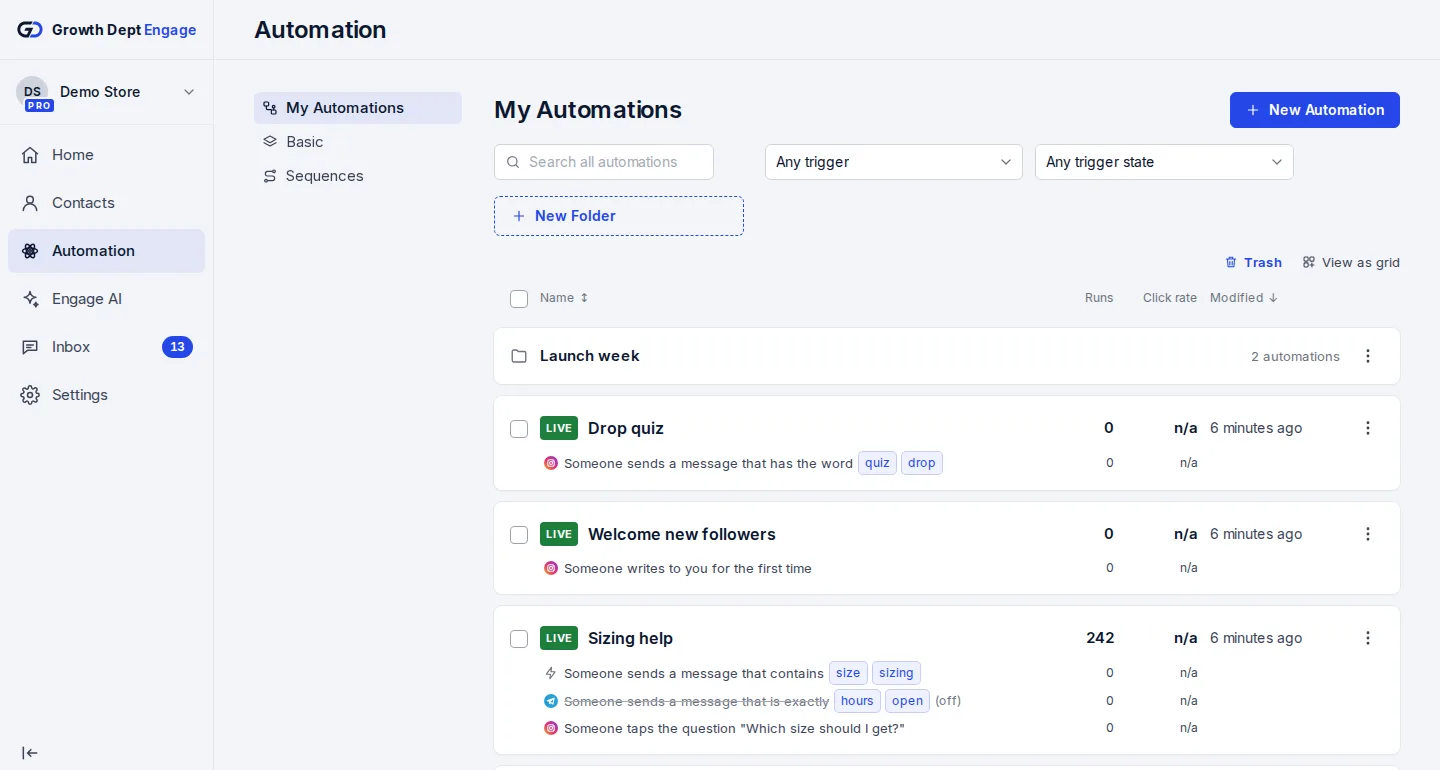
Step 3: Switch on an automation
Start from a template or build your own flow, try it on your own phone, then turn it on.


Add your social channels
- InstagramDMs, comments, stories and new followersLearn more Not live yet
- WhatsAppAnswers, updates and templates on WhatsAppLearn more Not live yet
- MessengerAnswers for your Facebook Page's messagesLearn more Not live yet
- TikTokReplies for the people your videos bring inLearn more Not live yet
- TelegramBots with buttons, commands and linksLearn more Live
- SMSTexts with consent and quiet hours built inLearn more Not live yet
- EmailEmails that follow up on a chatLearn more Live