Your Facebook Page's inbox, handled
Answer Messenger conversations with menus, buttons and quick replies, reply to comments on your Page's posts, and bring the rest to your team.
Not live yet: waiting on Meta's review of our app.
Get started
- From Growth Dept
What Facebook Pages automate
- A welcome for the Get Started button
- A menu that's always there
- DM everyone who comments on a post
- Links that open a chosen flow
- Table bookings in the chat
People still message Pages. Answer them all.
Set up the welcome, the menu and the answers once, and every visitor to your Page gets a reply.
01 / 03
A welcome and a menu
The Get Started button opens your welcome flow, and a menu that stays at the bottom of the chat keeps the main options in reach.
02 / 03
Comments become conversations
People who comment on your Page's posts get a private reply in Messenger with what they asked for.
03 / 03
Links that start the right flow
Share a link or QR code that opens Messenger and starts a chosen flow, such as a booking or a giveaway entry.
yourbrand.link/spring
Comments with LINK get a DM
Chat window on your site
Bot link with a start code
Messenger by hand
A Page inbox nobody owns
- Messages answered whenever someone looks
- Comments left on read
- The same questions every day
- Leads gone cold
Messenger with Engage
Every message gets an answer
- A welcome on the first message
- Comments answered in private
- Bookings taken in the chat
- Hard ones go to your team
Automations Pages start with
Each one runs from your Page's own Messenger.
See it work
What a new person sees after tapping Get Started.
Live on Messenger in three steps
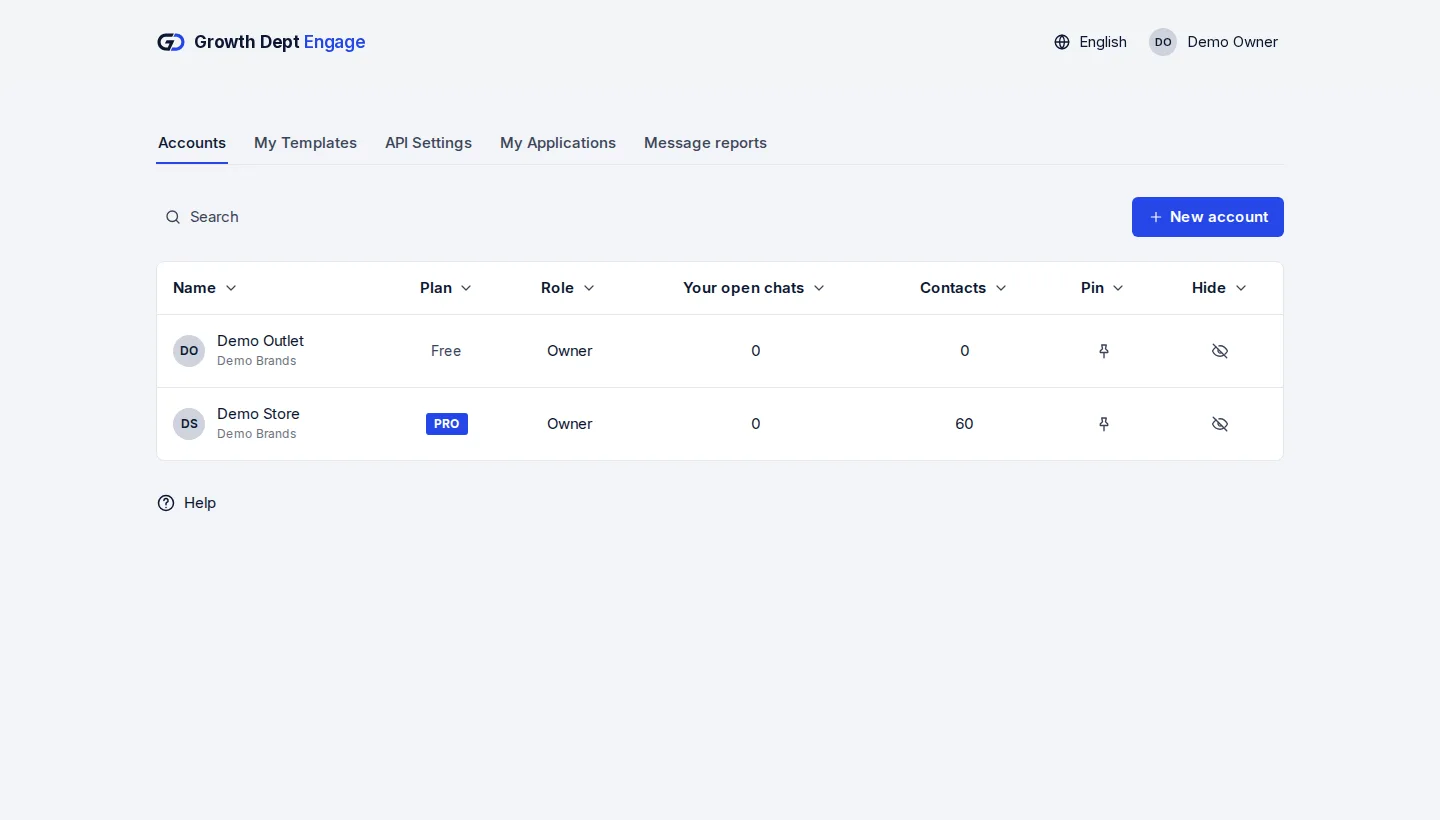
Step 1: Request access
Tell us about your brand and the channels you use, and we set up your account with you.
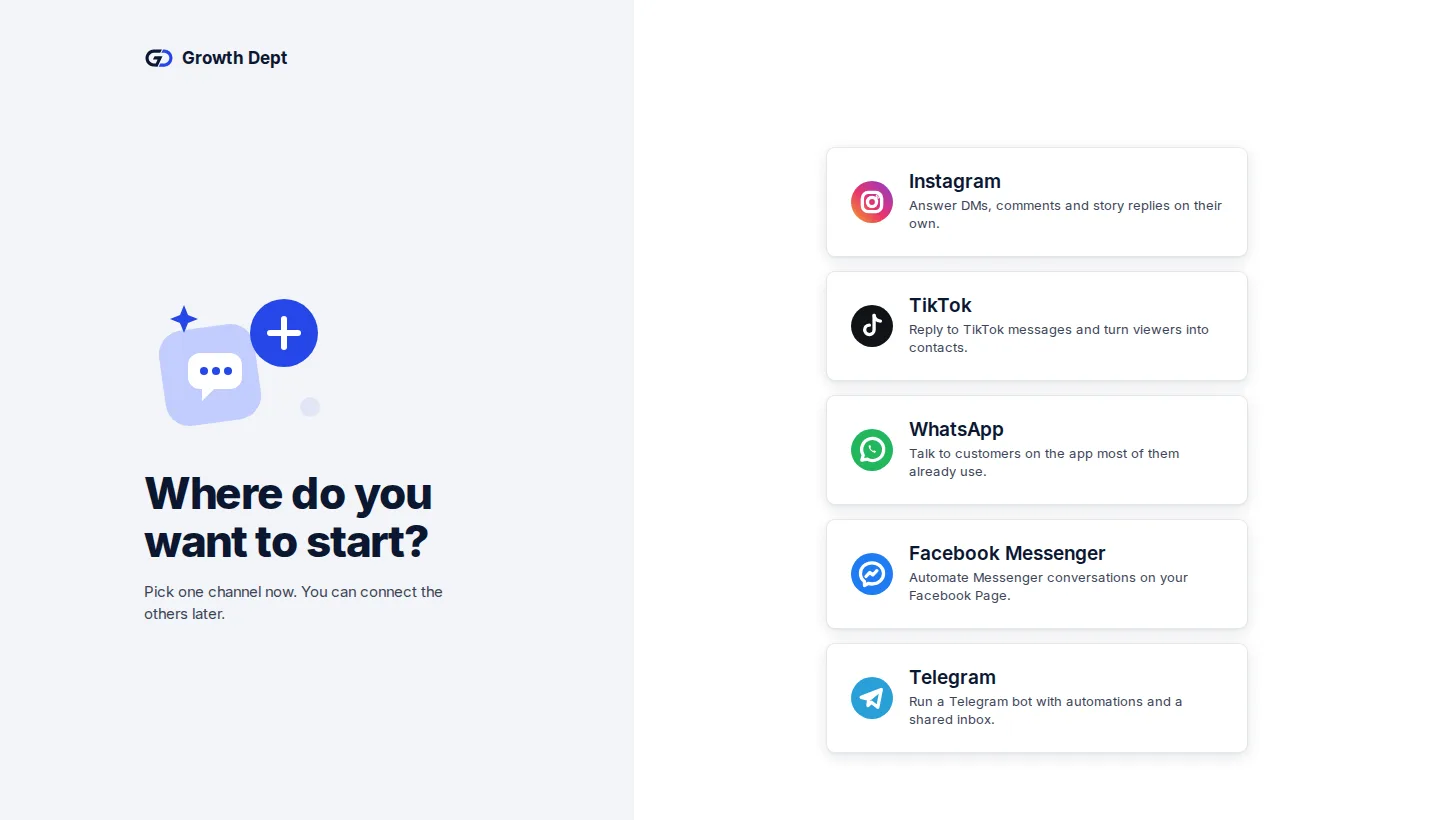
Step 2: Connect your channels
Sign in with Facebook and pick the Page to connect.
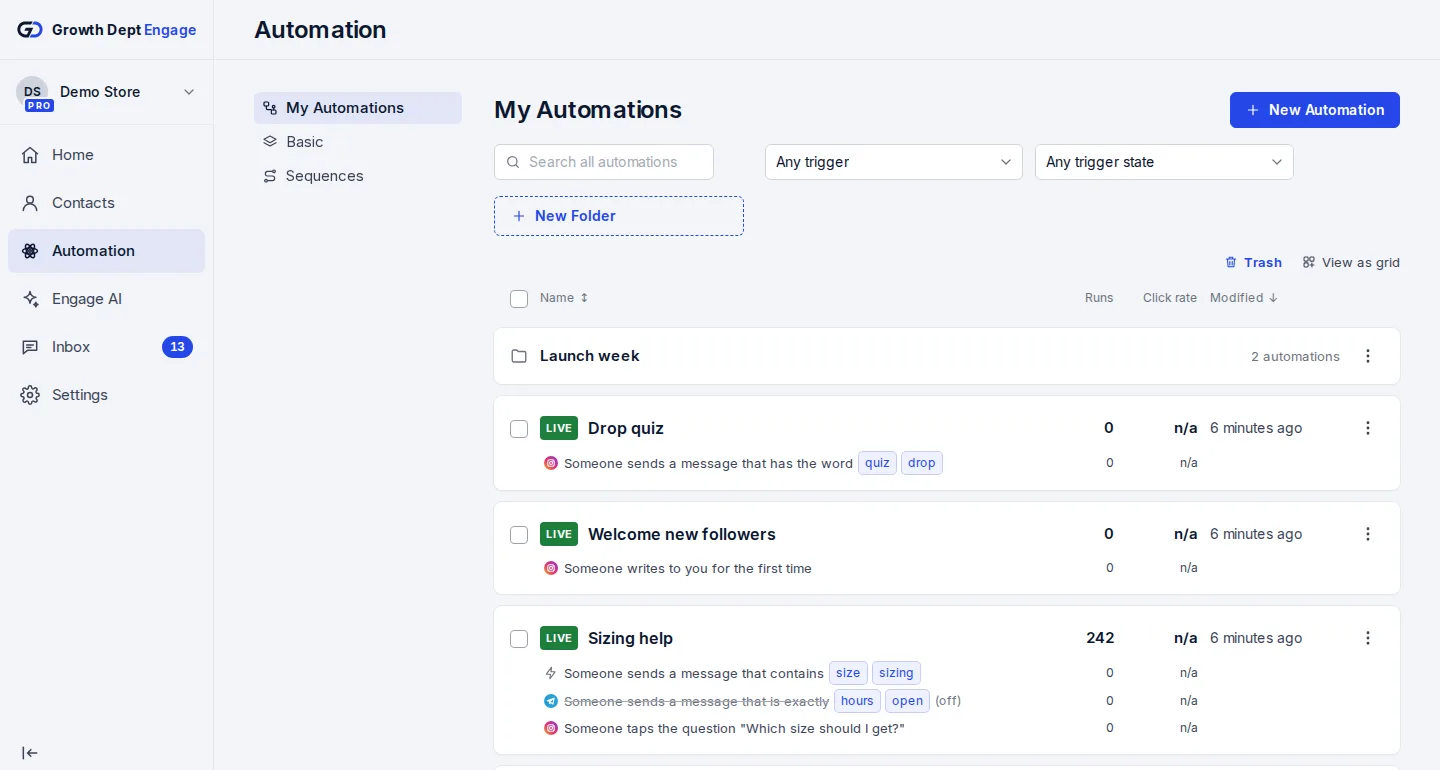
Step 3: Switch on an automation
Start from a template or build your own flow, try it on your own phone, then turn it on.


Add your other channels
- InstagramDMs, comments, stories and new followersLearn more Not live yet
- WhatsAppAnswers, updates and templates on WhatsAppLearn more Not live yet
- TikTokReplies for the people your videos bring inLearn more Not live yet
- TelegramBots with buttons, commands and linksLearn more Live
- SMSTexts with consent and quiet hours built inLearn more Not live yet
- EmailEmails that follow up on a chatLearn more Live
- Website chatA chat window on your own siteLearn more Live