AI that answers like your team would
The AI step hands open questions to your Growth Dept AI teammate, who already knows your products and policies, and the answer goes back in the chat.
For Growth Dept clients with an AI teammate. Other accounts see the AI settings with a note on how to get one.
What should the AI step do?
Answer product questions; send the size guide when asked
Answers open questions
When a message doesn't match a keyword or a button, the AI step can answer it, using the conversation so far.
Knows your business
Your AI teammate works from what Growth Dept has set up about your brand: products, policies and how you talk.
Stays inside your limits
You write its instructions and choose the flows it runs in. Everywhere else, your own messages and your team answer.
01 / 04
Drop an AI step into any flow
Add it where people ask things your keywords can't predict. Give it instructions in plain words.

02 / 04
It reads the conversation
The step sends the last messages of the chat with the question, so the answer fits what was already said.
03 / 04
Then the flow carries on
After the answer, the flow moves to its next step: a question, a button, a tag, or a hand-off to a person.
04 / 04
Your team stays in charge
Every AI answer is in the conversation history, and anyone on your team can take over in the inbox.
- Sam P.Do you have this in a medium?
- Ari L.Where is my order?
- Jo M.Thanks, that workedAnswered by an automation
- Riley K.Can I change my address?
Sam P. · Instagram
Do you have this in a medium?
Checking for you now.
Engage AI on your channels
- InstagramDMs, comments, stories and new followersLearn more Not live yet
- WhatsAppAnswers, updates and templates on WhatsAppLearn more Not live yet
- MessengerAnswers for your Facebook Page's messagesLearn more Not live yet
- TikTokReplies for the people your videos bring inLearn more Not live yet
- TelegramBots with buttons, commands and linksLearn more Live
- SMSTexts with consent and quiet hours built inLearn more Not live yet
- EmailEmails that follow up on a chatLearn more Live
- Website chatA chat window on your own siteLearn more Live
Keywords only
Questions nobody planned for
- Messages that match no keyword
- A default reply for everything else
- Your team answering the long tail
- People waiting overnight
With Engage AI
An answer for the long tail
- Open questions answered in the chat
- Answers that know your products
- The flow carries on after
- People only where needed
AI in your flows in three steps
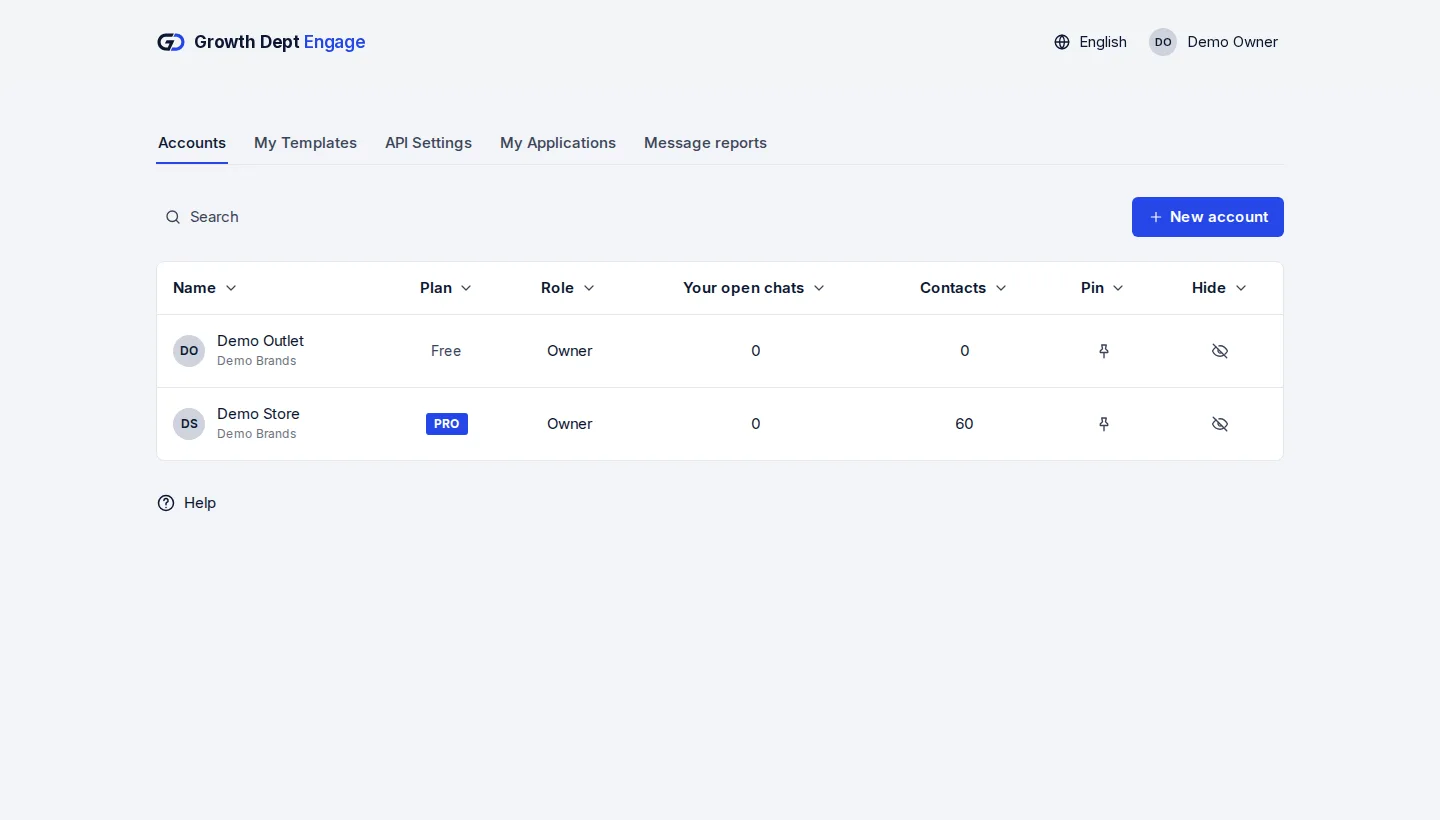
Step 1: Request access
Tell us about your brand and the channels you use, and we set up your account with you.
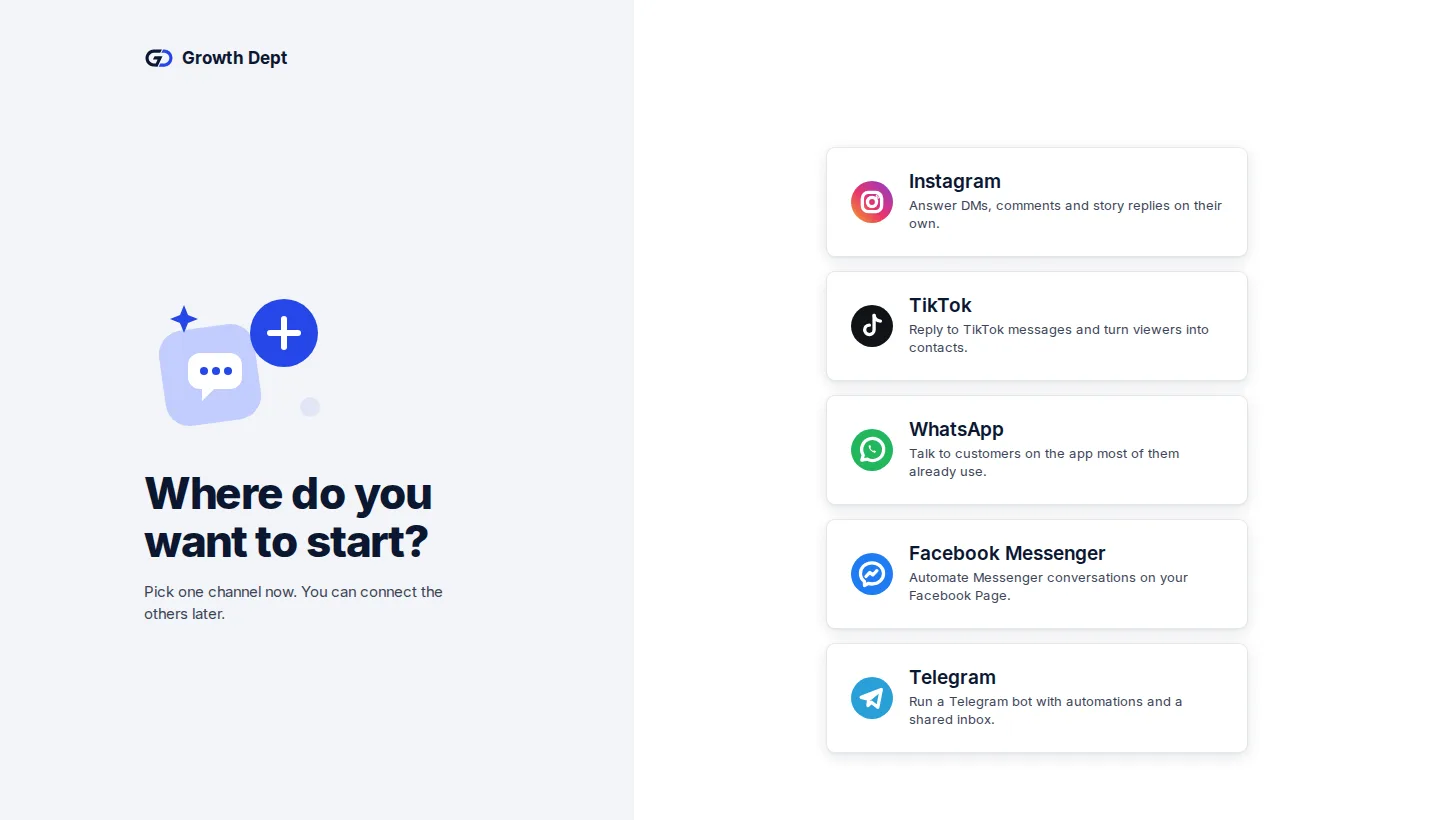
Step 2: Connect your channels
Add the accounts you already use. Start with one and add the rest whenever you like.
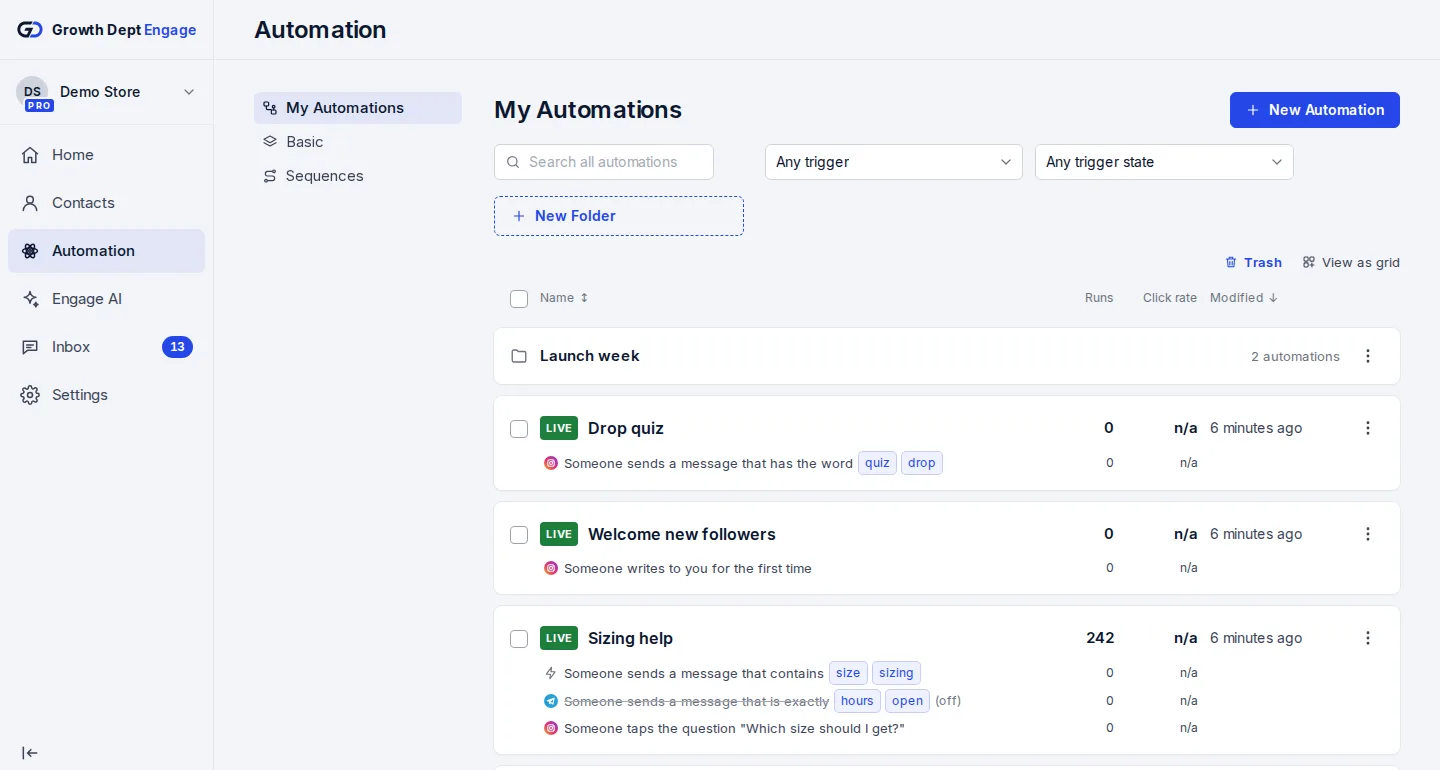
Step 3: Add the AI step
Put it in a flow, write its instructions, preview and publish.


Your AI teammate, in every chat
Ask your Growth Dept contact to connect your AI teammate to your account.