Answer shoppers while they're still shopping
Sizing, delivery, returns and order status, answered in the chat on every channel, with a link to checkout and your team one tap away.
- From Growth Dept
What stores automate
- Where's my order?
- Product links by DM
- A code for a comment
- Back-in-stock updates
- Emails for first-order offers
Every question answered is a sale kept
Shoppers ask before they buy. Answer them at once, on the channel they used, with a link straight to what they wanted.
01 / 03
Product questions, answered
Keywords and quick replies cover sizing, materials and delivery, and link straight to the product.
02 / 03
Order status from your own system
Ask for the order number and look it up on your own server with an external request, then answer with the status.
When
Tapped Track my order
Step 1
Ask for the order number
Step 2
Look it up on your server
Step 3
Reply with the status and a link
03 / 03
Count the orders chats bring in
Conversion events tie orders and sign-ups to the conversation that led to them.

Sell on every channel
- InstagramDMs, comments, stories and new followersLearn more Not live yet
- WhatsAppAnswers, updates and templates on WhatsAppLearn more Not live yet
- MessengerAnswers for your Facebook Page's messagesLearn more Not live yet
- TikTokReplies for the people your videos bring inLearn more Not live yet
- TelegramBots with buttons, commands and linksLearn more Live
- SMSTexts with consent and quiet hours built inLearn more Not live yet
- EmailEmails that follow up on a chatLearn more Live
- Website chatA chat window on your own siteLearn more Live
Support by hand
Questions that cost sales
- Shoppers leave to find an answer
- Order questions clog the inbox
- Offers sent to everyone
- No idea which chats sold
Selling with Engage
Answers that end in a cart
- Answers on the product page
- Order status without a ticket
- Offers to the right people
- Orders counted by conversation
What stores switch on first
Start where questions pile up.
See it work
When
Message contains order
Step 1
Ask for the number
Step 2
External request
Step 3
Reply
Look up an order on your own server.
Selling in the chat in three steps
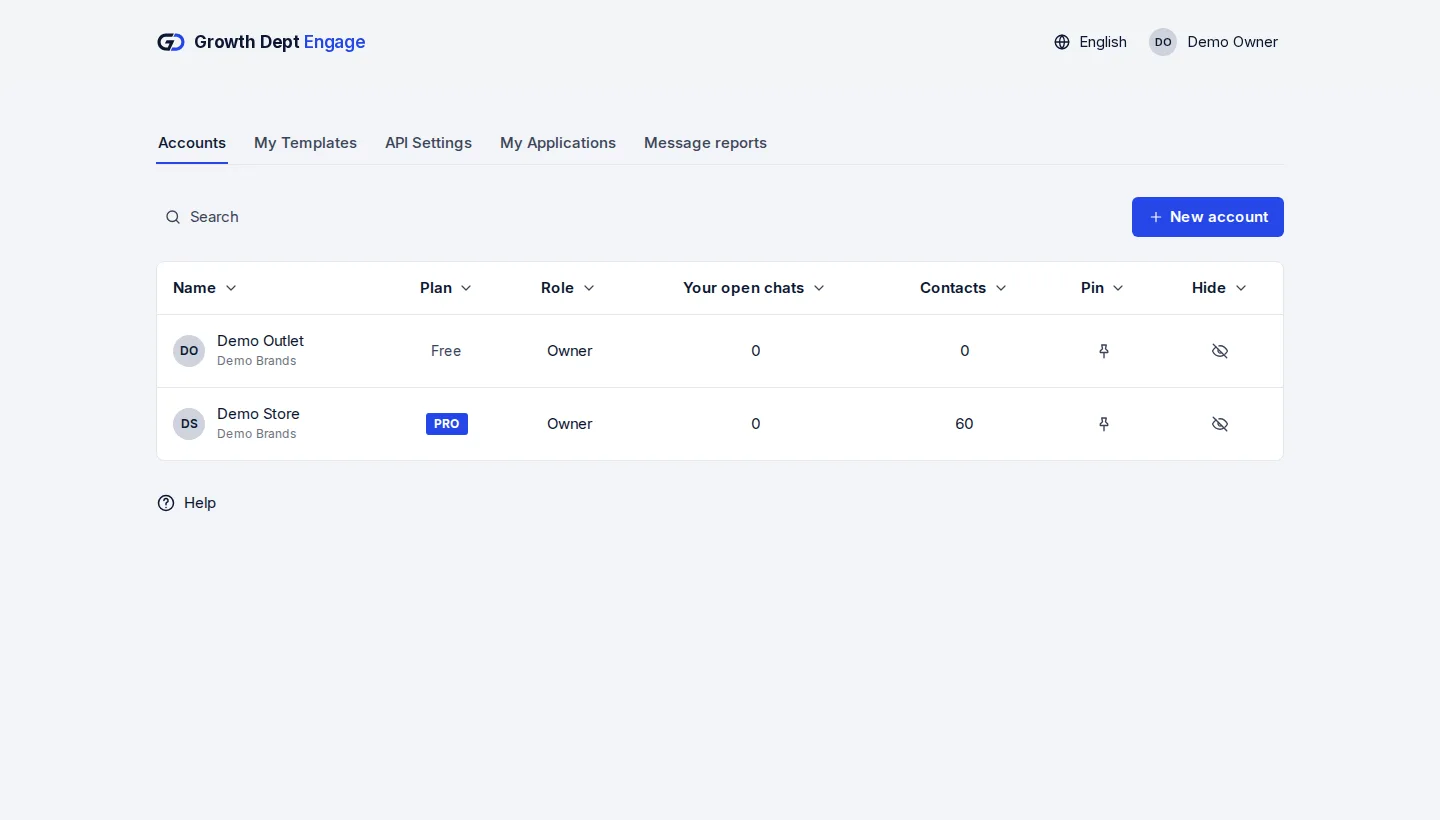
Step 1: Request access
Tell us about your brand and the channels you use, and we set up your account with you.
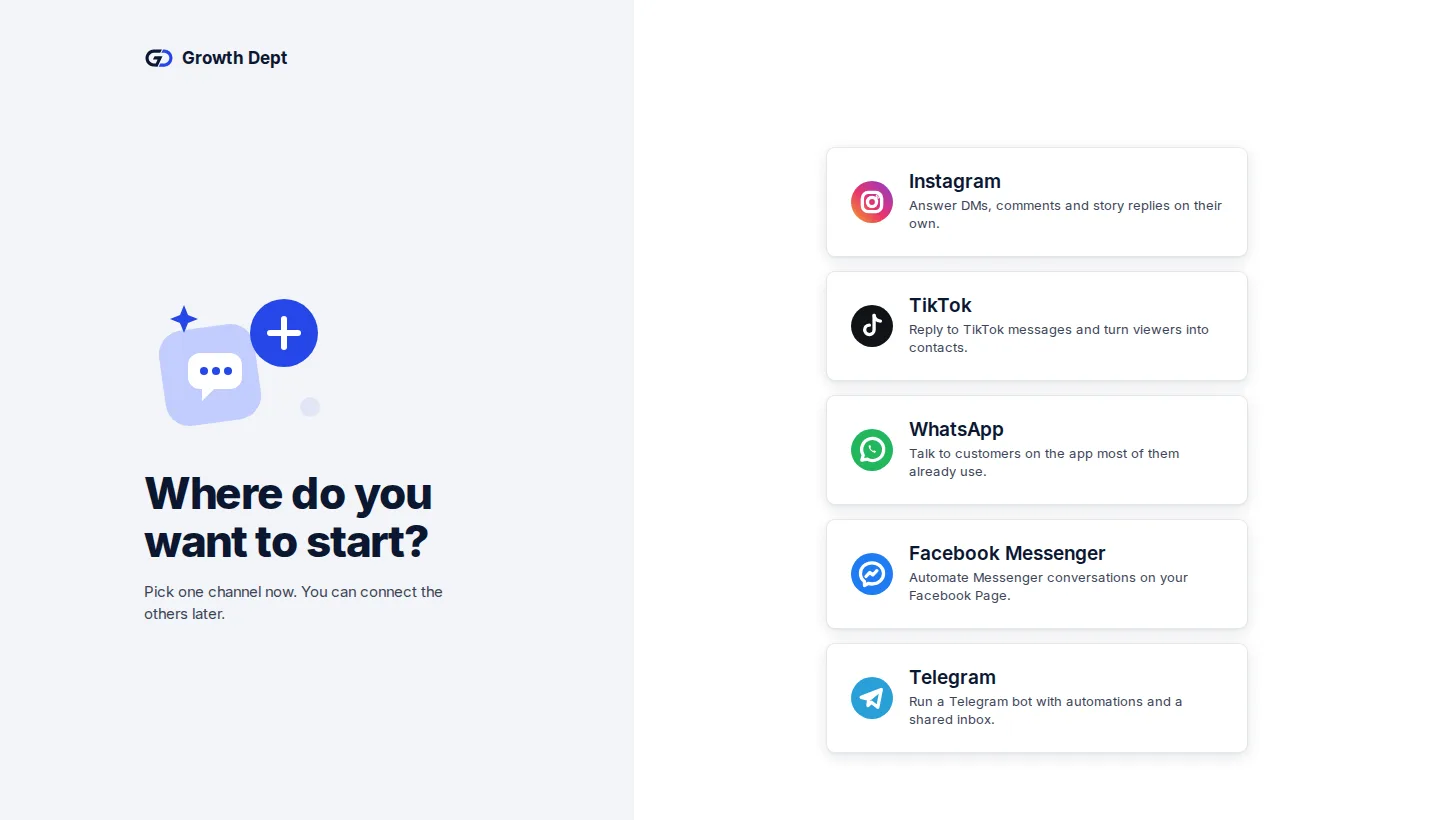
Step 2: Connect your channels
Add the accounts you already use. Start with one and add the rest whenever you like.
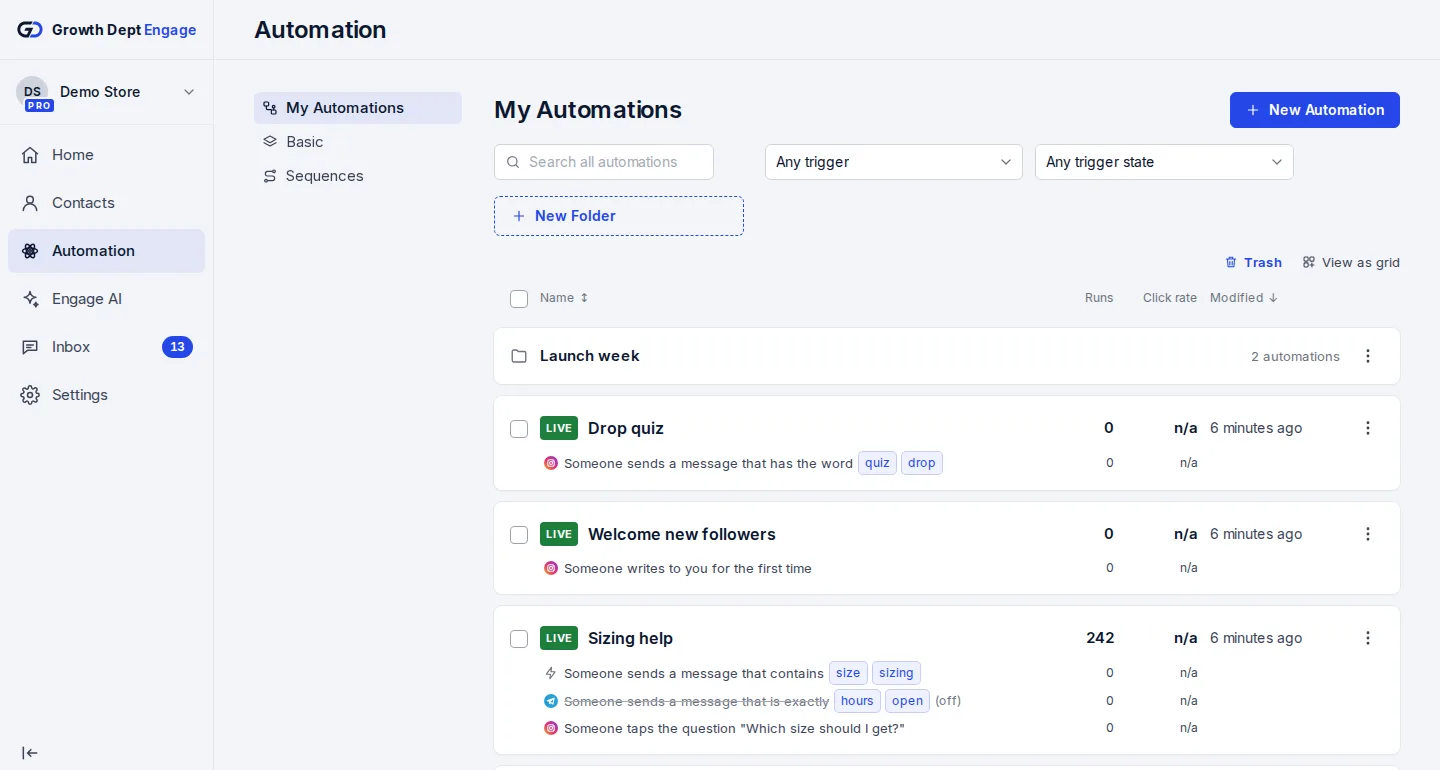
Step 3: Switch on an automation
Start from a template or build your own flow, try it on your own phone, then turn it on.


