See what your automations did
New and unsubscribed contacts by day, how far people got through each flow, and the conversions that came from a chat.

- From Growth Dept
Questions analytics answers
- How many people wrote in this week?
- Where do people drop out of the flow?
- Which link brought the most contacts?
- How many orders came from a chat?
Know which conversations work
Numbers for every flow, step and broadcast, so you keep what works and fix what doesn't.
01 / 03
Contacts over time
New contacts, unsubscribes and the net change, by day, for each channel.
02 / 03
Every step of every flow
How many people reached each step, opened each message and tapped each button.
How far people got, step by step
An illustration: the bars are not real results.
03 / 03
Conversions from chats
Count orders and sign-ups that came from a conversation, with conversion events from your flows or your website.
When
Tapped Buy now
Step 1
Open checkout
Step 2
Conversion event: order placed
Guessing
Busy, but is it working?
- No idea which flow sells
- Drop-off you can't see
- Campaigns judged on feel
- Reports pieced together by hand
With Engage
Numbers for every step
- Results by flow and step
- Where people stop, plainly
- Sources for every contact
- Conversions counted
Where the numbers live
Each view counts from the same events.
See it work
Contacts and conversions for the whole account.
Numbers from day one
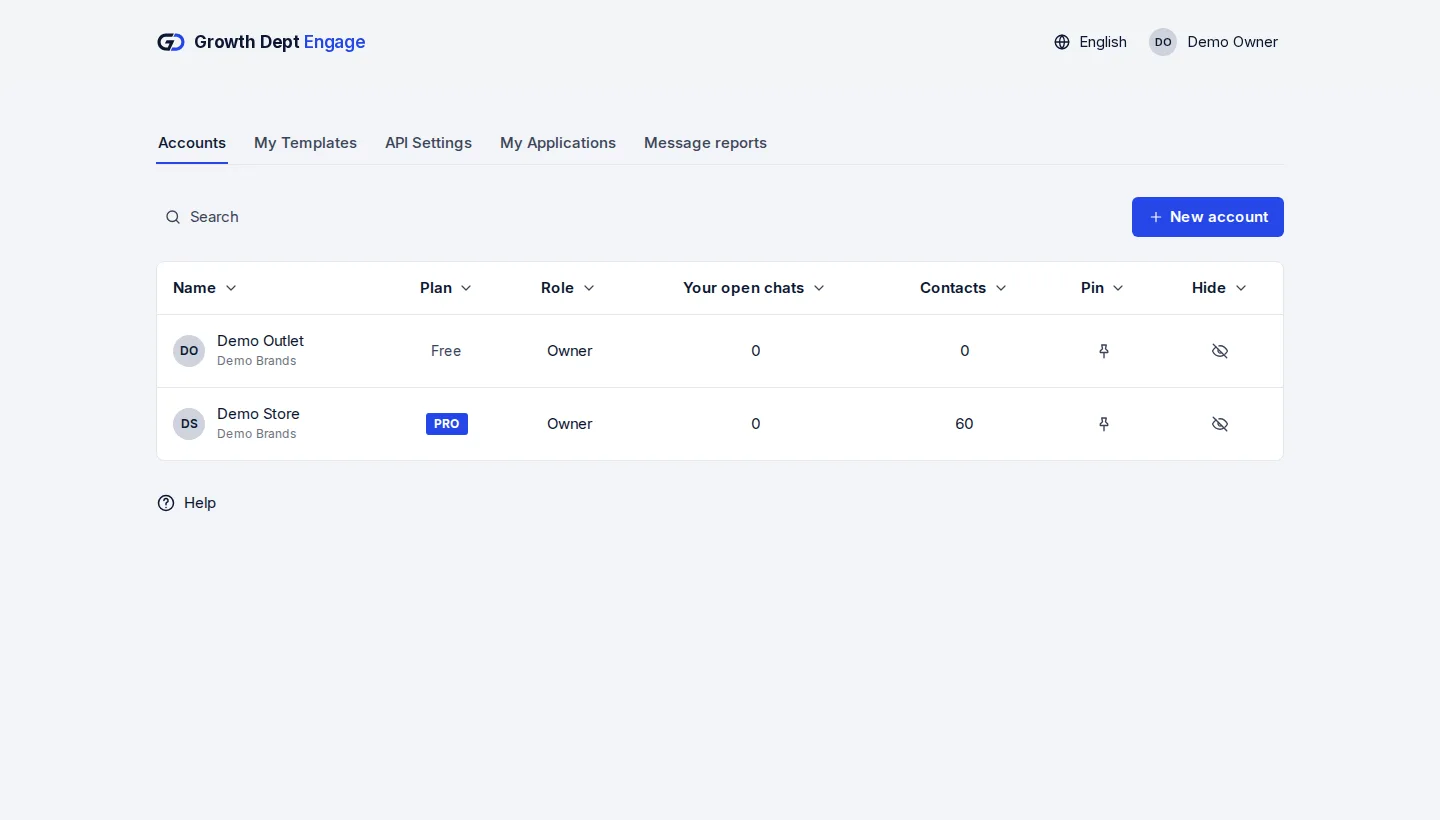
Step 1: Request access
Tell us about your brand and the channels you use, and we set up your account with you.
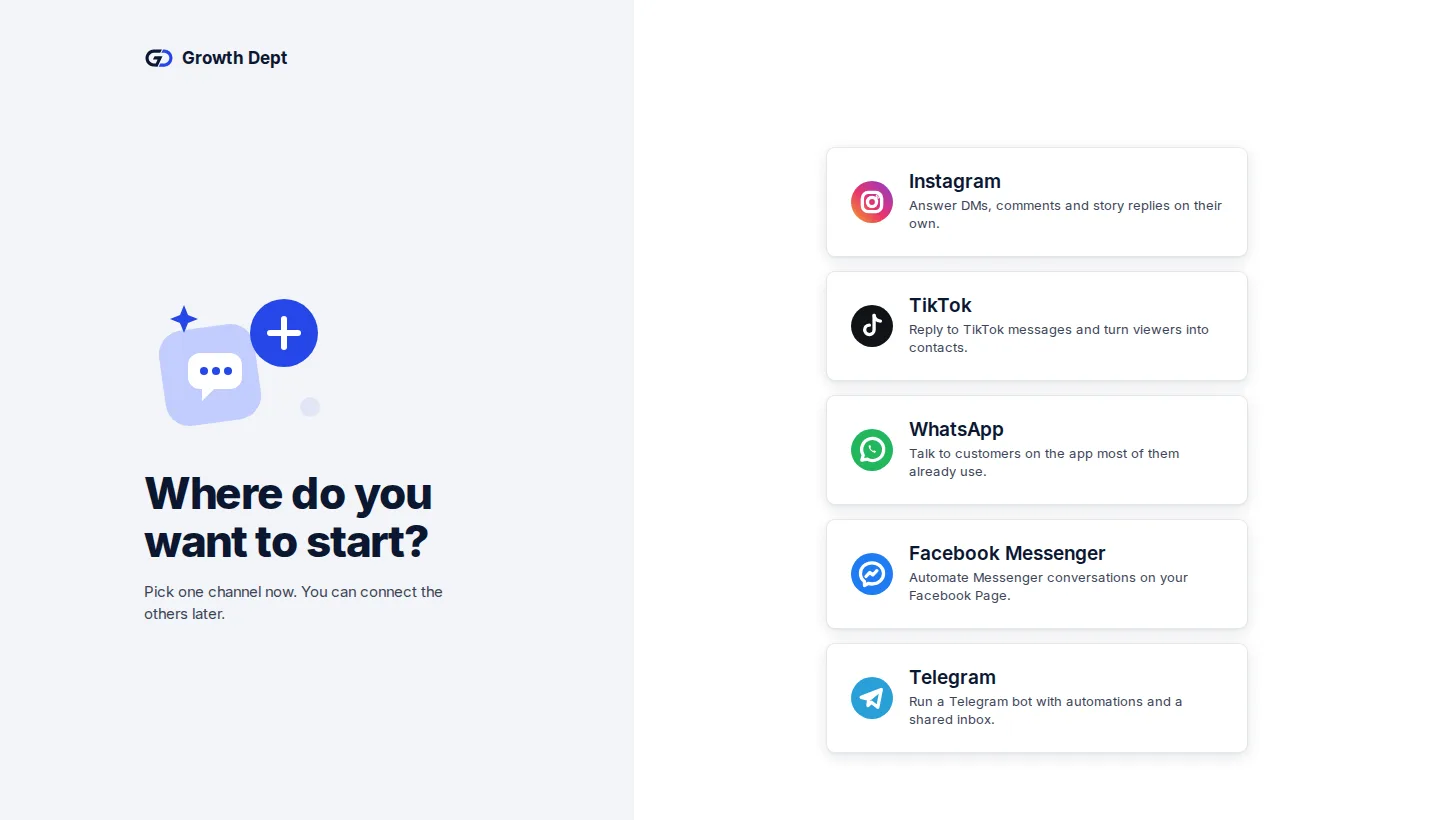
Step 2: Connect your channels
Add the accounts you already use. Start with one and add the rest whenever you like.
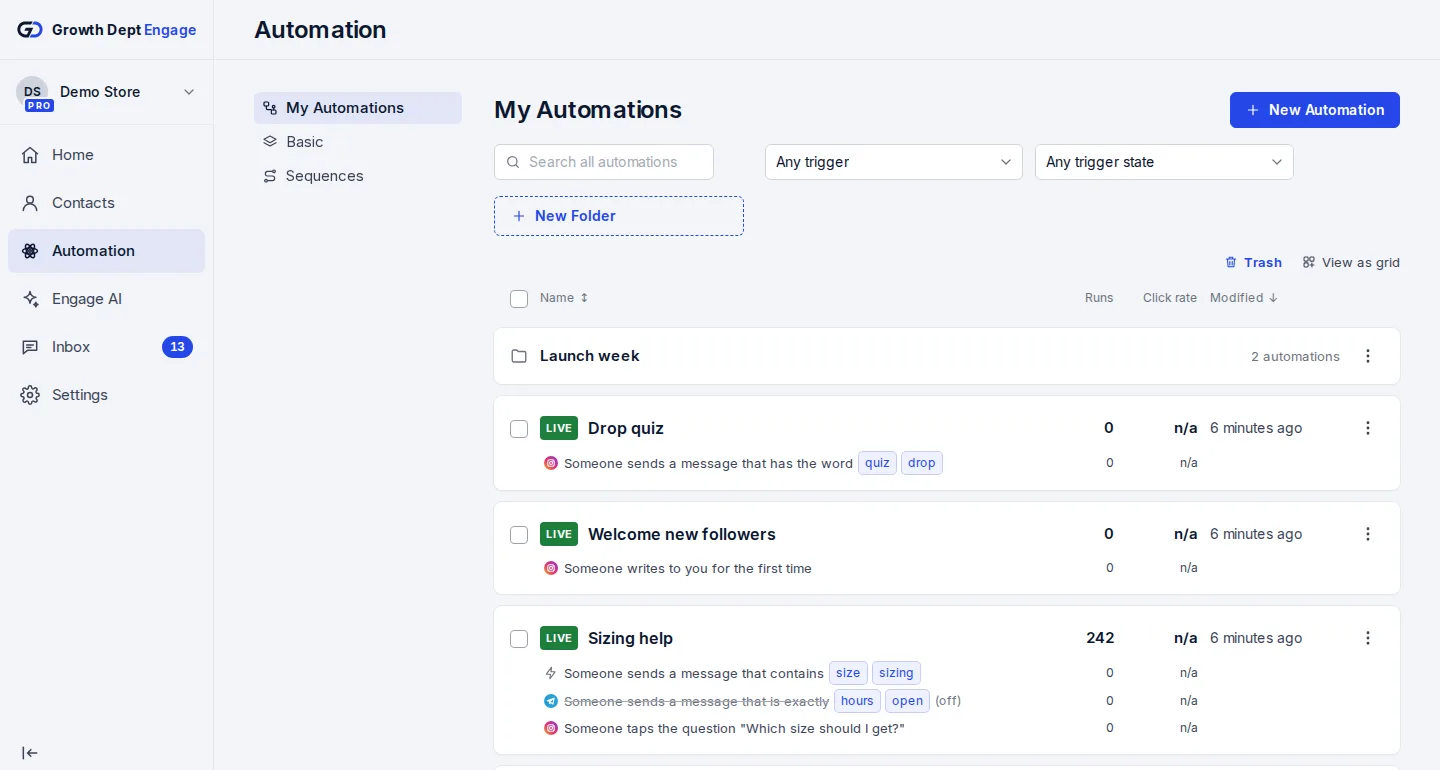
Step 3: Switch on an automation
Start from a template or build your own flow, try it on your own phone, then turn it on.


Every channel, counted
- InstagramDMs, comments, stories and new followersLearn more Not live yet
- WhatsAppAnswers, updates and templates on WhatsAppLearn more Not live yet
- MessengerAnswers for your Facebook Page's messagesLearn more Not live yet
- TikTokReplies for the people your videos bring inLearn more Not live yet
- TelegramBots with buttons, commands and linksLearn more Live
- SMSTexts with consent and quiet hours built inLearn more Not live yet
- EmailEmails that follow up on a chatLearn more Live
- Website chatA chat window on your own siteLearn more Live