Build a conversation like you'd sketch it
Flows made of messages, buttons, questions, delays, conditions and actions, started by keywords, comments, follows, links and your own rules.

- From Growth Dept
What a flow can start from
- A keyword in a DM
- A comment on a post
- A new follower
- A link with a start code
- A button on your website
- A rule: when a tag is added
- A date in a contact's field
Every step you'd do by hand, in order
Add steps on a canvas, join them up, preview the conversation and set it live. Later edits wait in a draft until you publish them.
01 / 03
Messages people can tap
Text, pictures, cards and lists, with buttons and quick replies that lead to the next step.
02 / 03
Questions that save answers
Ask for an email, a phone number, a date or any text. Answers are checked, retried when wrong, and saved to the contact.
03 / 03
Logic and actions
Branch on tags and fields, wait with smart delays, split traffic at random, tag people, set fields, notify your team or call your own server.
When
Answer saved
Step 1
Condition: has tag VIP
Step 2
Yes: notify the team
Step 3
No: wait 2 hours, then send the offer
Replying by hand
The same steps, every time
- Copy the link, paste the link
- Ask for an email, write it down
- Remember to follow up tomorrow
- Tag the lead in a spreadsheet
With Engage's builder
Steps that run themselves
- The link sends itself
- Emails saved to the contact
- Follow-ups wait and send
- Tags added as people answer
Starts, steps and endings
A few of the pieces a flow is made of.
See it work

A word in a DM starts the flow. Match it exactly, as part of a message, or at the start.
Your first flow in three steps
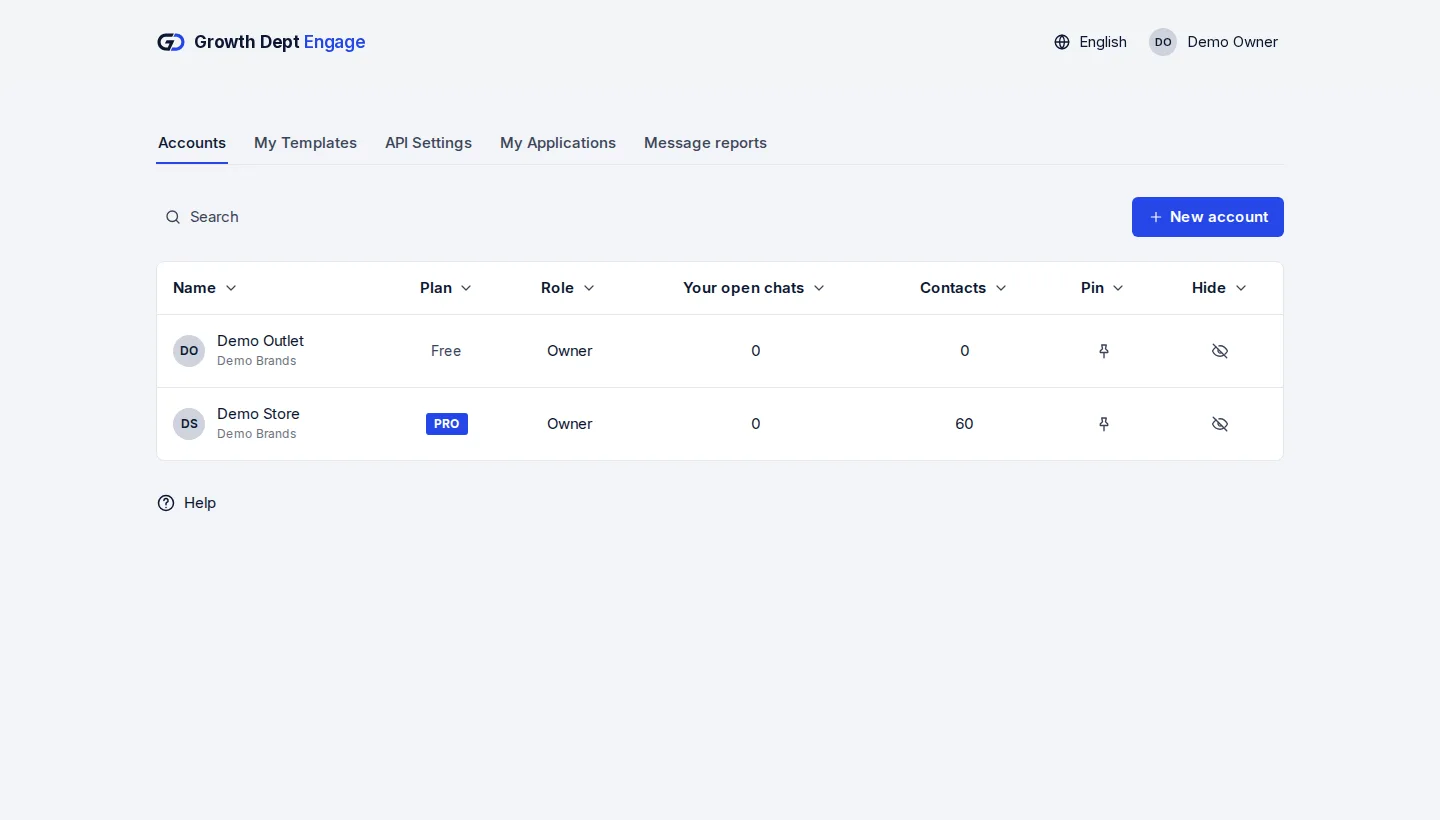
Step 1: Request access
Tell us about your brand and the channels you use, and we set up your account with you.
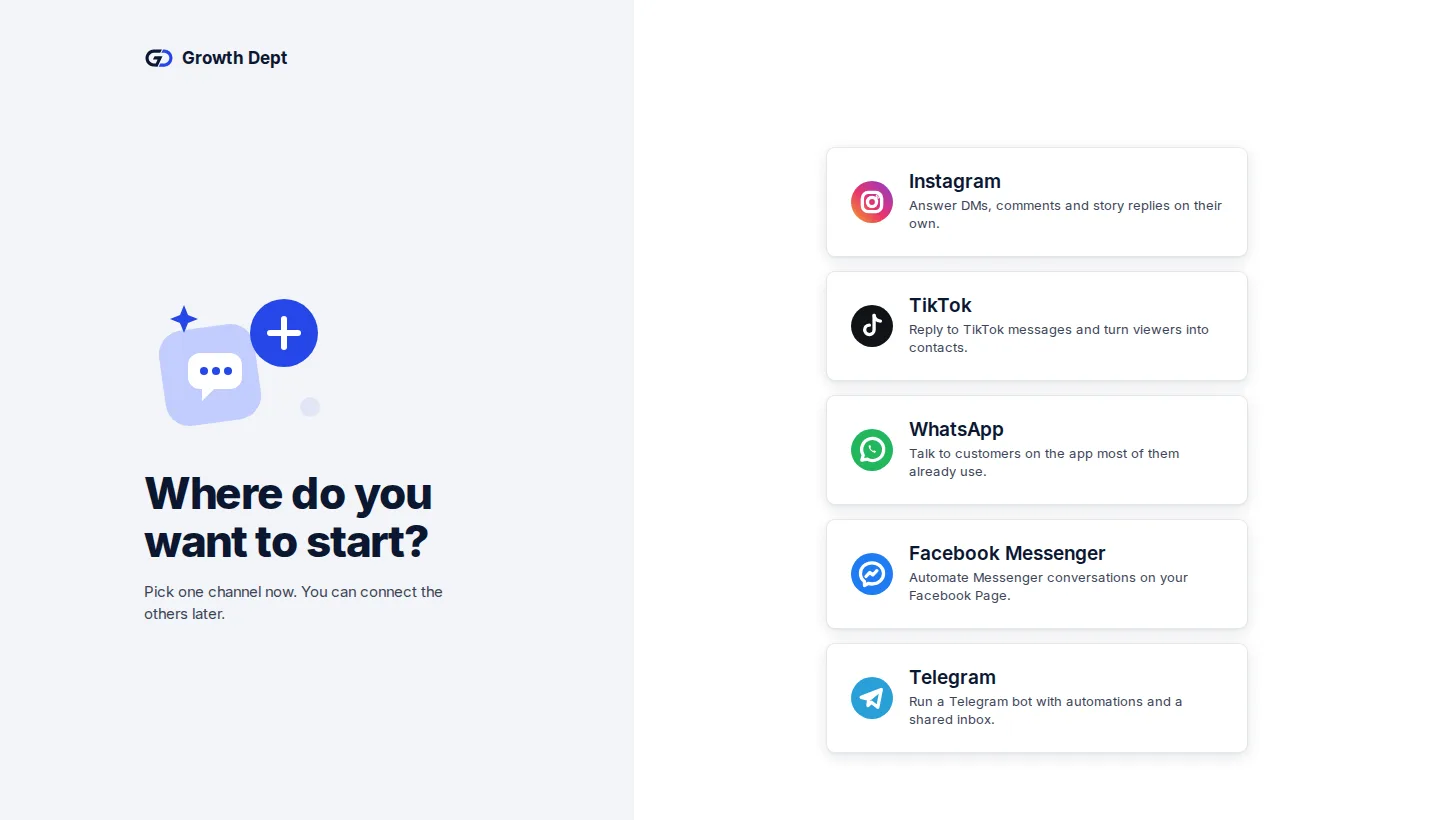
Step 2: Connect your channels
Add the accounts you already use. Start with one and add the rest whenever you like.
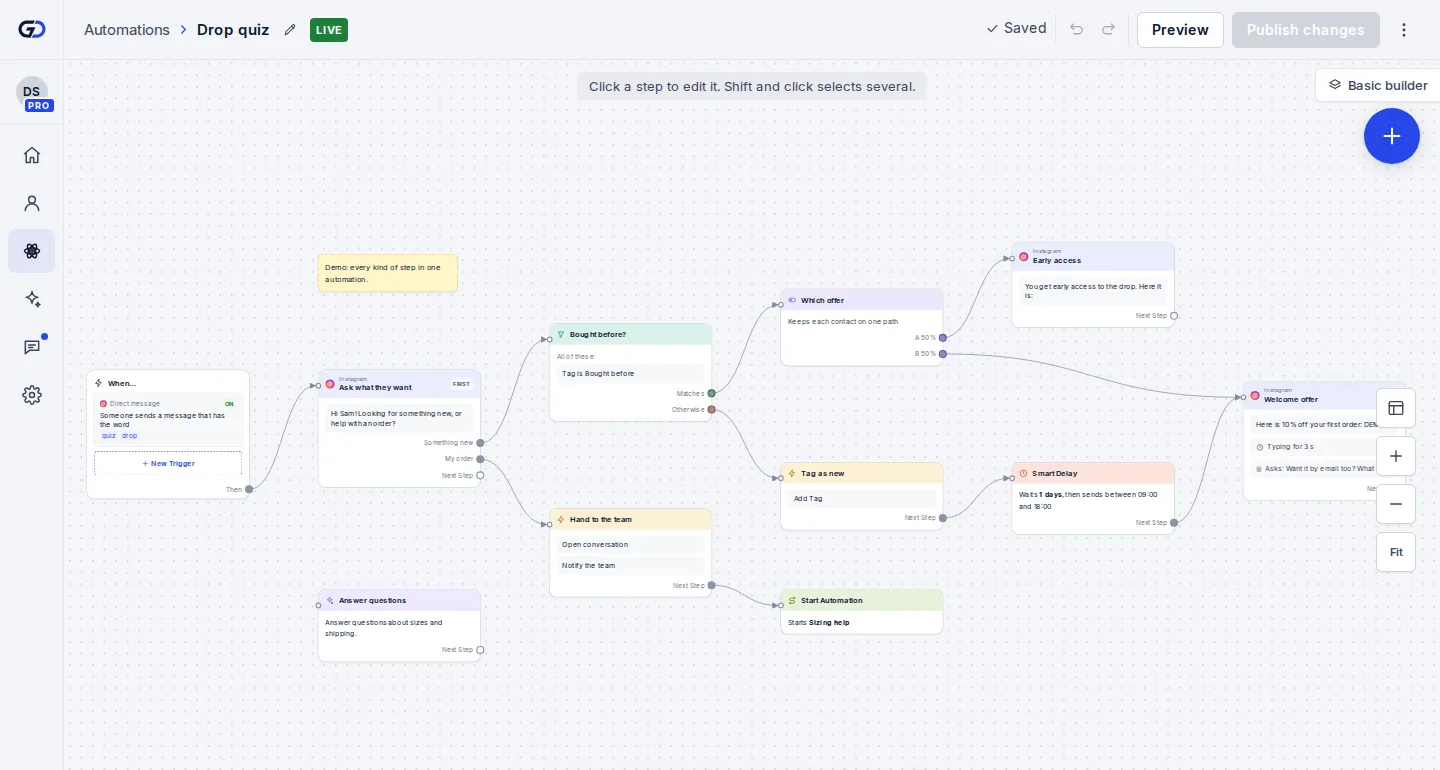
Step 3: Switch on an automation
Start from a template or build your own flow, try it on your own phone, then turn it on.


One flow, any channel
- InstagramDMs, comments, stories and new followersLearn more Not live yet
- WhatsAppAnswers, updates and templates on WhatsAppLearn more Not live yet
- MessengerAnswers for your Facebook Page's messagesLearn more Not live yet
- TikTokReplies for the people your videos bring inLearn more Not live yet
- TelegramBots with buttons, commands and linksLearn more Live
- SMSTexts with consent and quiet hours built inLearn more Not live yet
- EmailEmails that follow up on a chatLearn more Live
- Website chatA chat window on your own siteLearn more Live