One message, the right people, the right time
Pick an audience by tags, fields and activity, write the message, and send it now or on a schedule, inside each channel's rules.
Who gets it
Tag is VIPSubscribed to updates
Only people whose messaging window is open, or who opted in to updates, are counted.
Message
The spring collection is up. Want first look?
Show meNot now
- From Growth Dept
What people broadcast
- A new drop to subscribers
- An event reminder
- An approved template update
- A reply window reminder
- A sale to people who opted in
Reach your list without breaking the rules
Every channel has its own rules on when a business may message. Broadcasts count only the people you're allowed to reach, and say why the rest are left out.
01 / 03
Choose who gets it
Filter by tags, fields, channel, when people last wrote and where they came from. Save the filter as a segment to reuse.
Who gets it
Tag is VIPSubscribed to updates
Only people whose messaging window is open, or who opted in to updates, are counted.
Message
The spring collection is up. Want first look?
Show meNot now
02 / 03
Send now or later
Schedule for a date and time, in your time zone or each contact's own.
Friday, 10:00
03 / 03
See what happened
Sent, delivered, read and clicked, plus who was left out and why.
How far people got, step by step
An illustration: the bars are not real results.
Blasting by hand
Everyone gets everything
- Messages to people who never asked
- No idea who's allowed
- Sending at 3 a.m. their time
- No results to learn from
Broadcasts in Engage
The right message to the right list
- Audiences built from tags and fields
- Only people the rules allow
- Sent in each contact's time zone
- Results for every send
Broadcasts people send
Each one can start a flow when someone taps.
See it work
Who gets it
Tag is VIPSubscribed to updates
Only people whose messaging window is open, or who opted in to updates, are counted.
Message
The spring collection is up. Want first look?
Show meNot now
To subscribers tagged with the right interest.
Your first broadcast in three steps
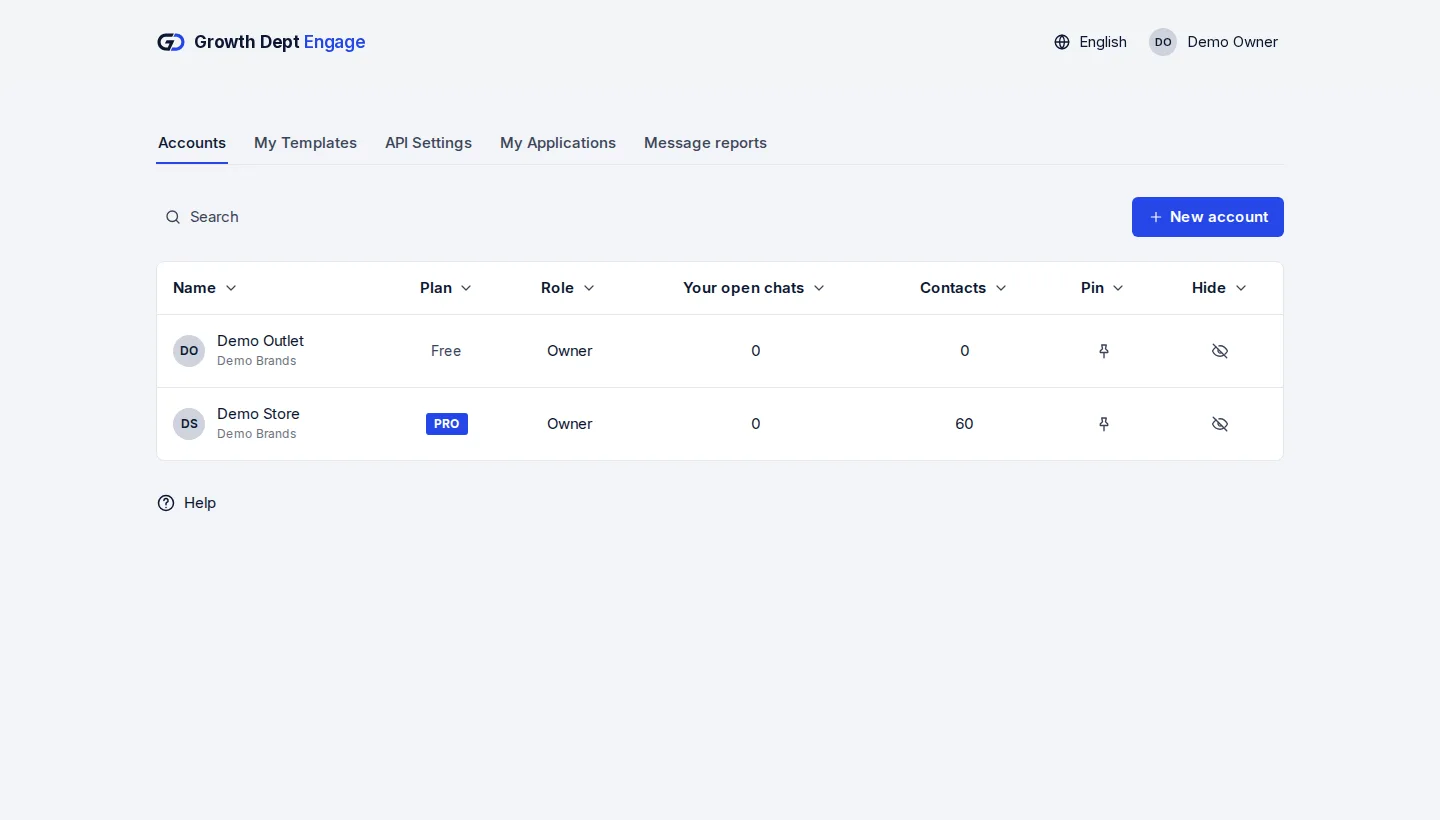
Step 1: Request access
Tell us about your brand and the channels you use, and we set up your account with you.
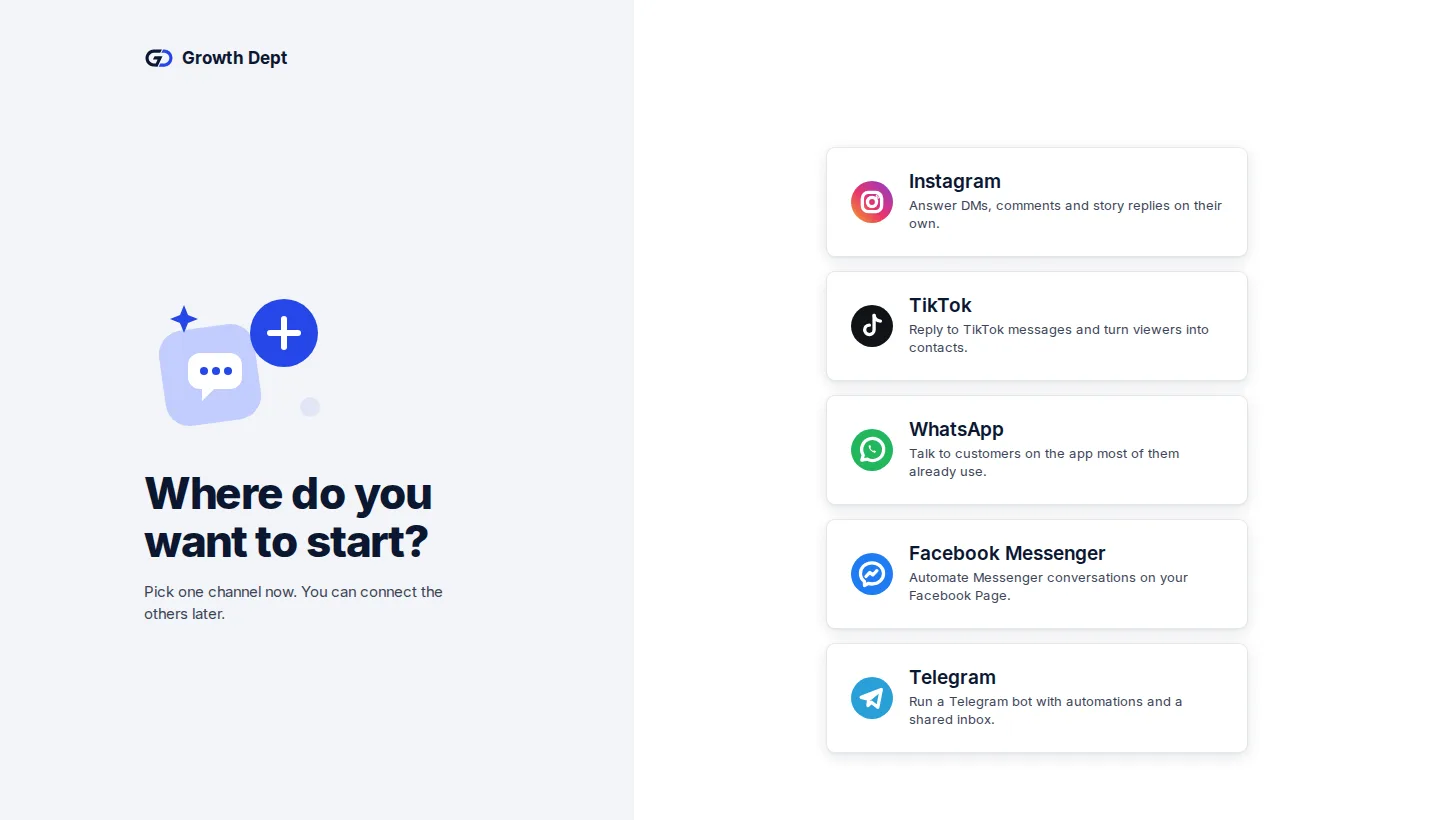
Step 2: Connect your channels
Add the accounts you already use. Start with one and add the rest whenever you like.
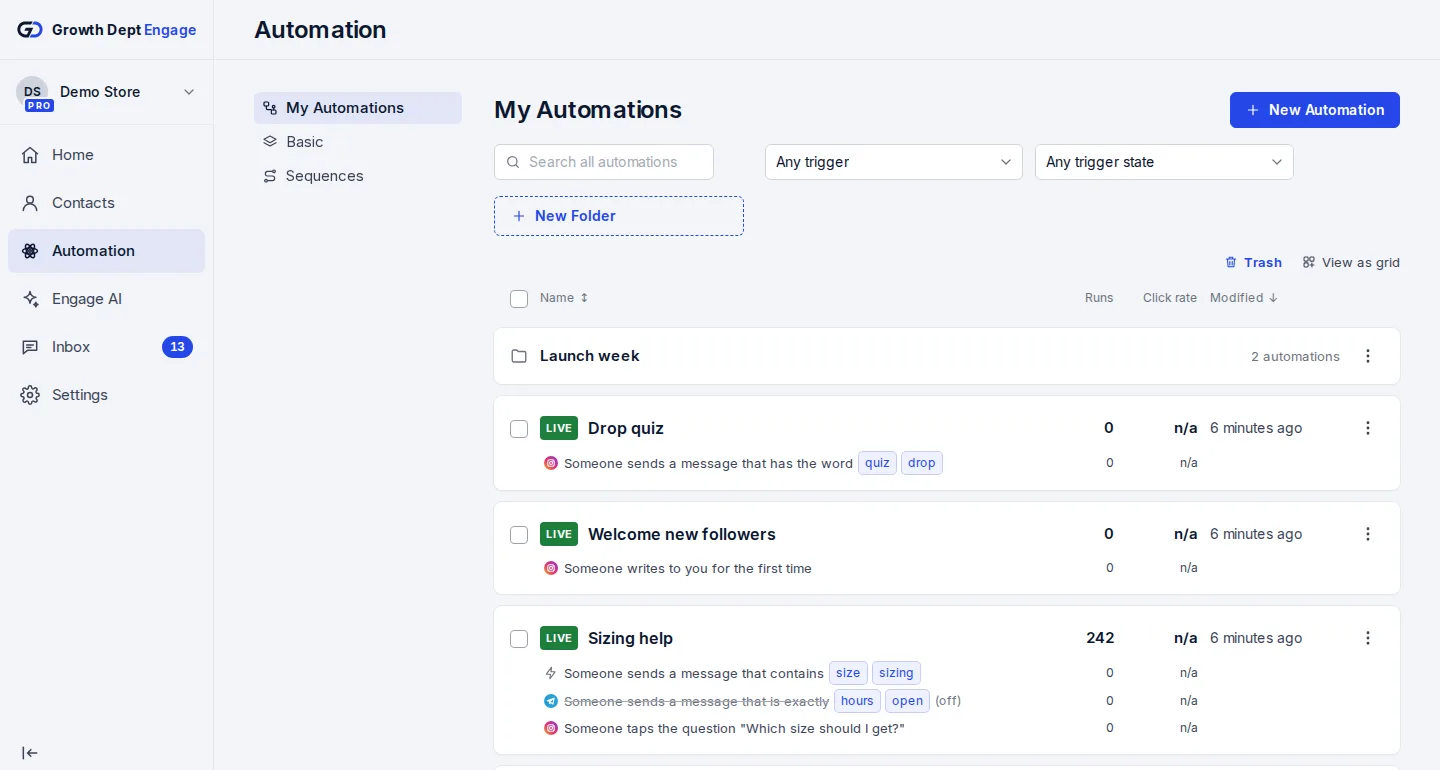
Step 3: Write and schedule
Pick the audience, write the message, choose the time.


Broadcast on every channel
- InstagramDMs, comments, stories and new followersLearn more Not live yet
- WhatsAppAnswers, updates and templates on WhatsAppLearn more Not live yet
- MessengerAnswers for your Facebook Page's messagesLearn more Not live yet
- TikTokReplies for the people your videos bring inLearn more Not live yet
- TelegramBots with buttons, commands and linksLearn more Live
- SMSTexts with consent and quiet hours built inLearn more Not live yet
- EmailEmails that follow up on a chatLearn more Live
- Website chatA chat window on your own siteLearn more Live