Start conversations from anywhere
Links, QR codes, comment triggers and website chat that start a chat, run the flow you picked, and record where each contact came from.
yourbrand.link/spring
Comments with LINK get a DM
Chat window on your site
Bot link with a start code
- From Growth Dept
Where conversations start
- A comment on a reel
- A link in an email
- A QR code on the packaging
- A button on a product page
- A link in your bio
Every entrance leads to the right flow
Each growth tool opens a chat on the channel you chose and starts a flow made for that moment.
01 / 03
Links and QR codes
Make a link or QR code for a campaign. Whoever opens it starts the flow you picked, and the contact remembers where they came from.
yourbrand.link/spring
Comments with LINK get a DM
Chat window on your site
Bot link with a start code
02 / 03
Comment triggers
Pick a post and the words to watch for. People who comment get a DM, and you can reply publicly too.
03 / 03
Website chat
A chat window on your site that runs your flows and hands off to your team.
Chat with us
Hi! Looking for something?
Track my orderSizing
Without growth tools
Traffic you can't follow
- A link in bio nobody taps
- Packaging with no next step
- Comments that go nowhere
- No idea which campaign worked
With Engage
Every click starts a chat
- Each campaign has its own link
- QR codes open the right flow
- Comments become DMs
- Contacts carry their source
Pick the entrance, pick the flow
Each tool can start a different automation.
See it work
When
Opened link: spring-sale
Step 1
Welcome with the offer
Step 2
Tag: spring sale
One link per campaign, so you can see which one brought people in.
Your first growth tool in three steps
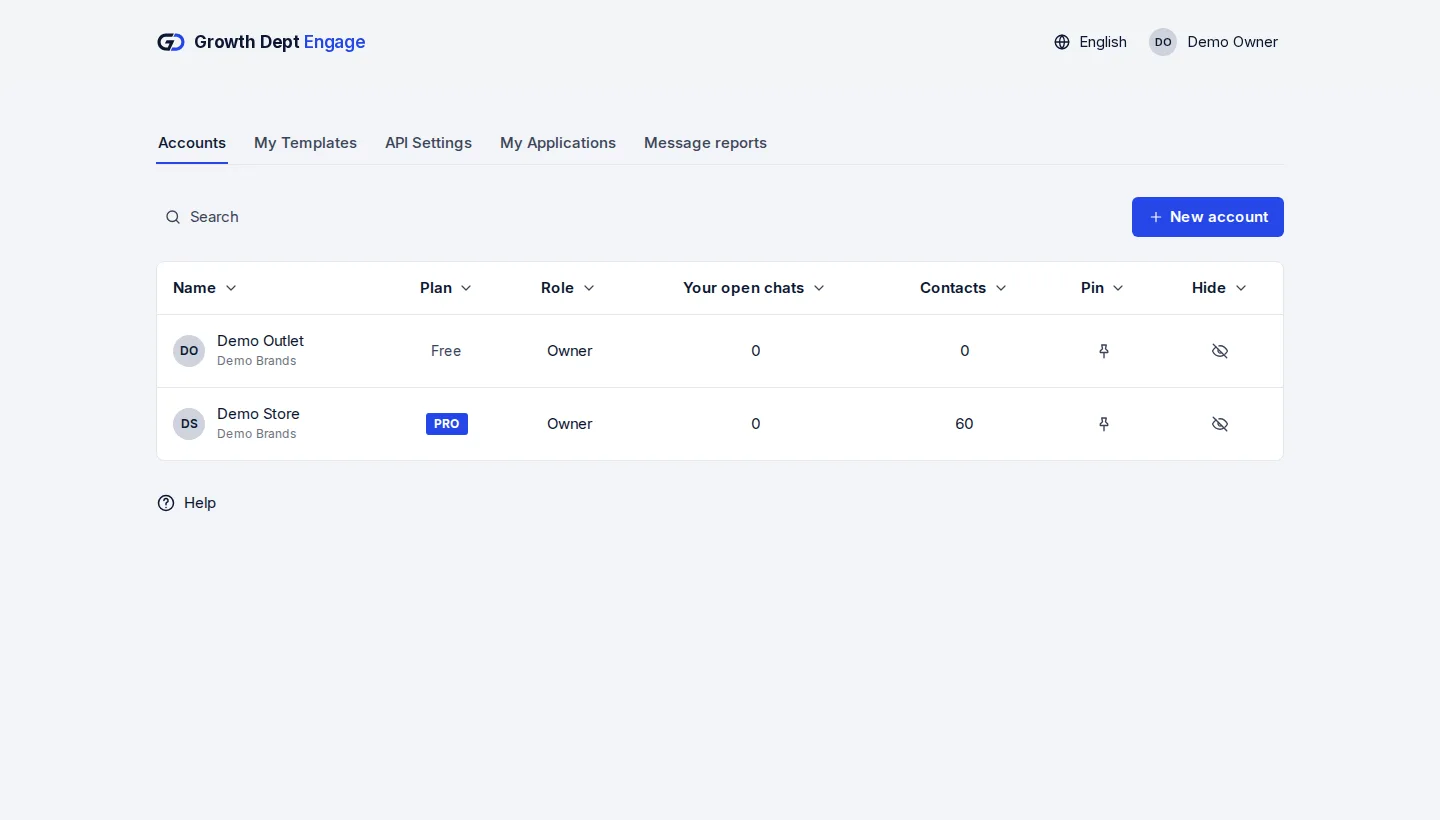
Step 1: Request access
Tell us about your brand and the channels you use, and we set up your account with you.
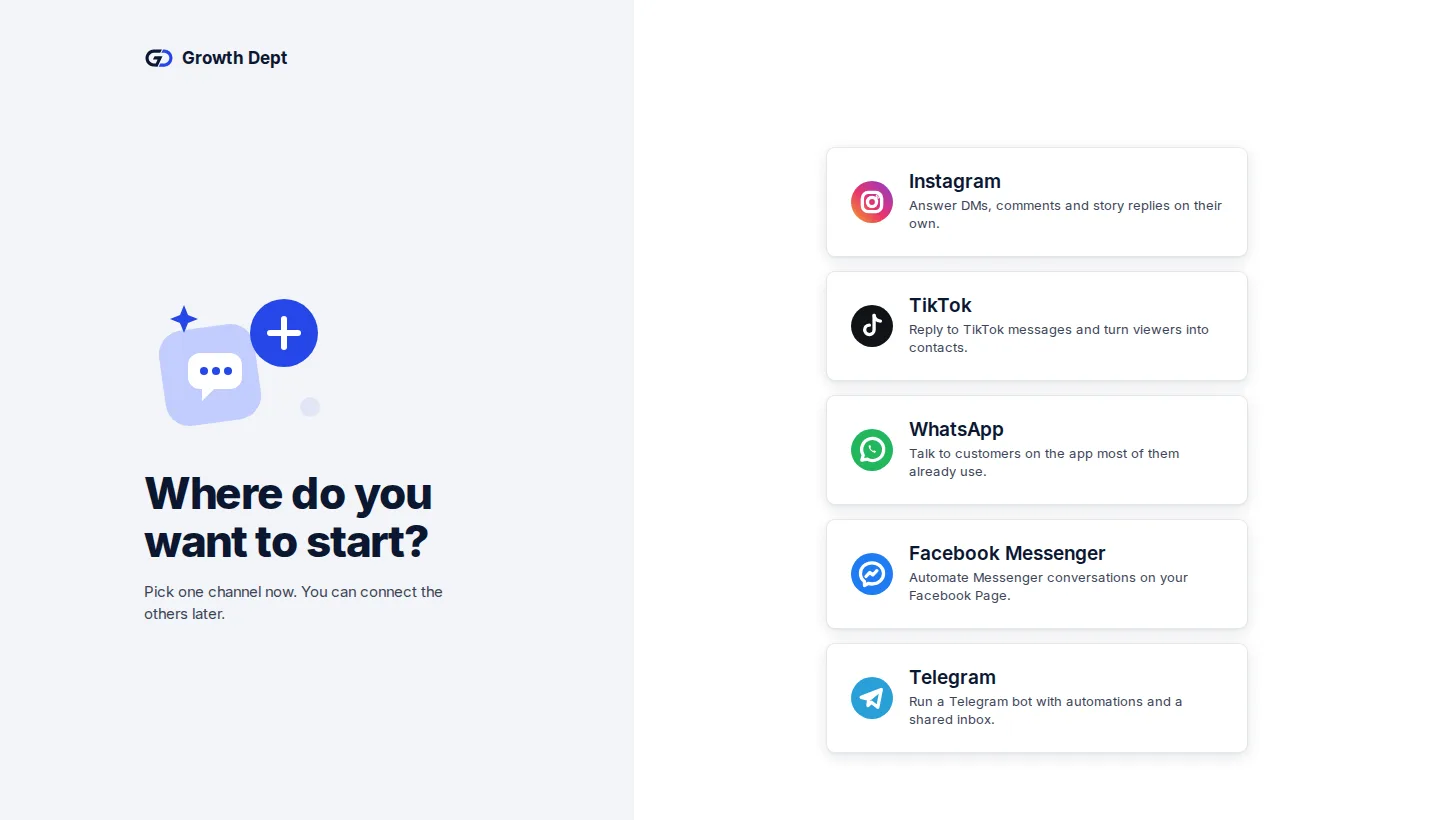
Step 2: Connect your channels
Add the accounts you already use. Start with one and add the rest whenever you like.
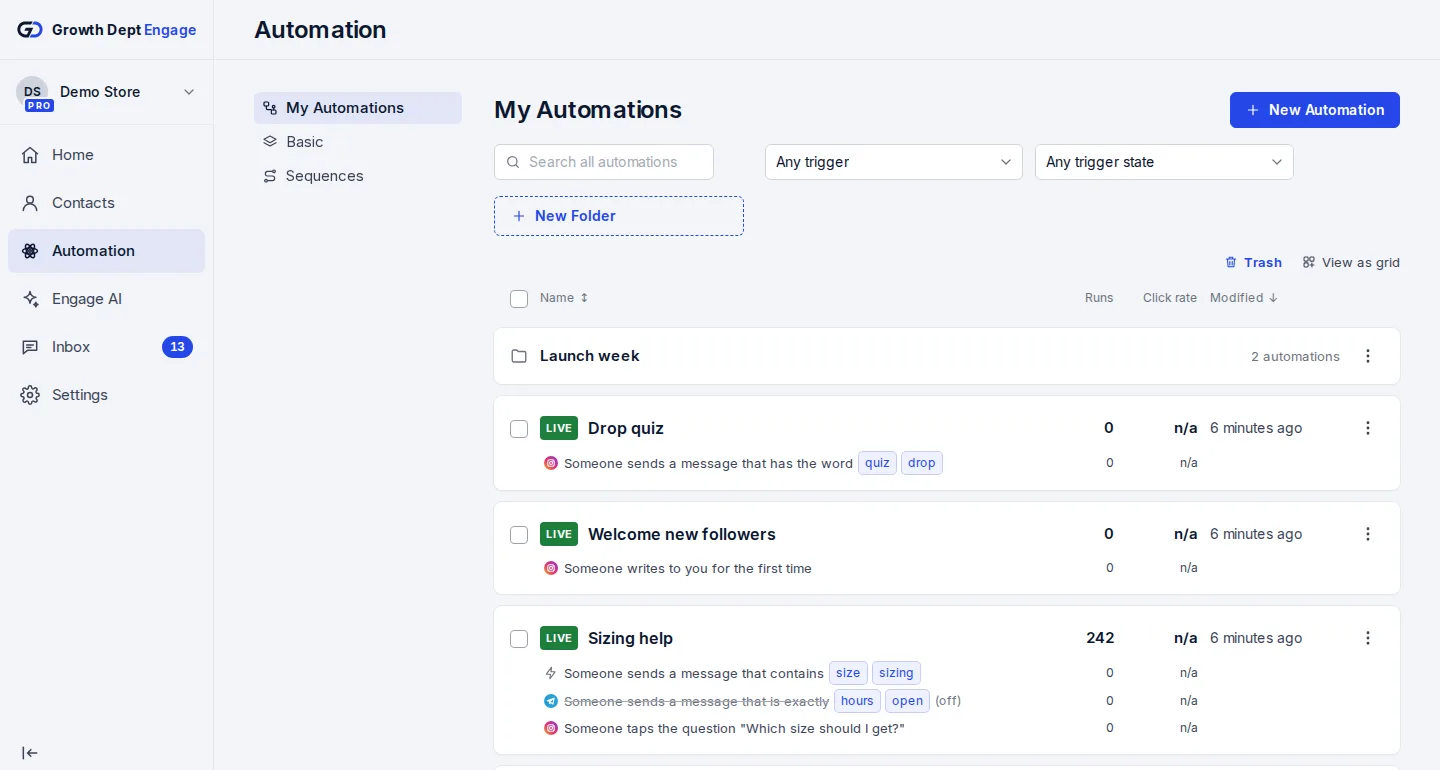
Step 3: Make a link or trigger
Pick the tool, choose the flow it starts, and share it.


Tools for every channel
- InstagramDMs, comments, stories and new followersLearn more Not live yet
- WhatsAppAnswers, updates and templates on WhatsAppLearn more Not live yet
- MessengerAnswers for your Facebook Page's messagesLearn more Not live yet
- TikTokReplies for the people your videos bring inLearn more Not live yet
- TelegramBots with buttons, commands and linksLearn more Live
- SMSTexts with consent and quiet hours built inLearn more Not live yet
- EmailEmails that follow up on a chatLearn more Live
- Website chatA chat window on your own siteLearn more Live