One inbox for every conversation
Instagram, WhatsApp, Messenger, Telegram, SMS, email and your website in one place, with the person's history and details beside the chat.
- Sam P.Do you have this in a medium?
- Ari L.Where is my order?
- Jo M.Thanks, that workedAnswered by an automation
- Riley K.Can I change my address?
Sam P. · Instagram
Do you have this in a medium?
Checking for you now.
- From Growth Dept
What teams do in the inbox
- Assign a chat to a teammate
- Leave a note only the team sees
- Reply with a saved answer
- Pause automations while you talk
- Close it when it's done
Automations first, a person when it counts
Your flows handle the common questions. The inbox is where your team picks up everything else, with nothing lost between channels.
01 / 03
Everything in one list
Conversations from every channel in one list, with folders and filters for unread, assigned to you, and waiting.
- Sam P.Do you have this in a medium?
- Ari L.Where is my order?
- Jo M.Thanks, that workedAnswered by an automation
- Riley K.Can I change my address?
Sam P. · Instagram
Do you have this in a medium?
Checking for you now.
02 / 03
The person behind the chat
Tags, fields, channels and past conversations sit beside the chat, so nobody has to ask twice.
Sam P.
Tags
VIPsize guidecame from spring link
Fields
- sam@example.com
- Usual size
- M
- Last order
- #1042
03 / 03
Teamwork without crossed wires
Assign chats by hand or automatically, leave notes for each other, and pause automations while a person is talking.
Assigned to Priya
Automations paused
Separate apps
Five apps, one tired team
- Switching between every app
- Two people answering one chat
- No idea who the customer is
- Chats that end with no reply
Engage inbox
Everyone on the same page
- Every channel in one list
- Each chat has an owner
- History beside the chat
- Nothing left without a reply
Built for a team that shares chats
Roles decide who can see and answer what.
See it work
- Sam P.Do you have this in a medium?
- Ari L.Where is my order?
- Jo M.Thanks, that workedAnswered by an automation
- Riley K.Can I change my address?
Sam P. · Instagram
Do you have this in a medium?
Checking for you now.
Assign by hand, or let new chats go round the team.
Your team in the inbox in three steps
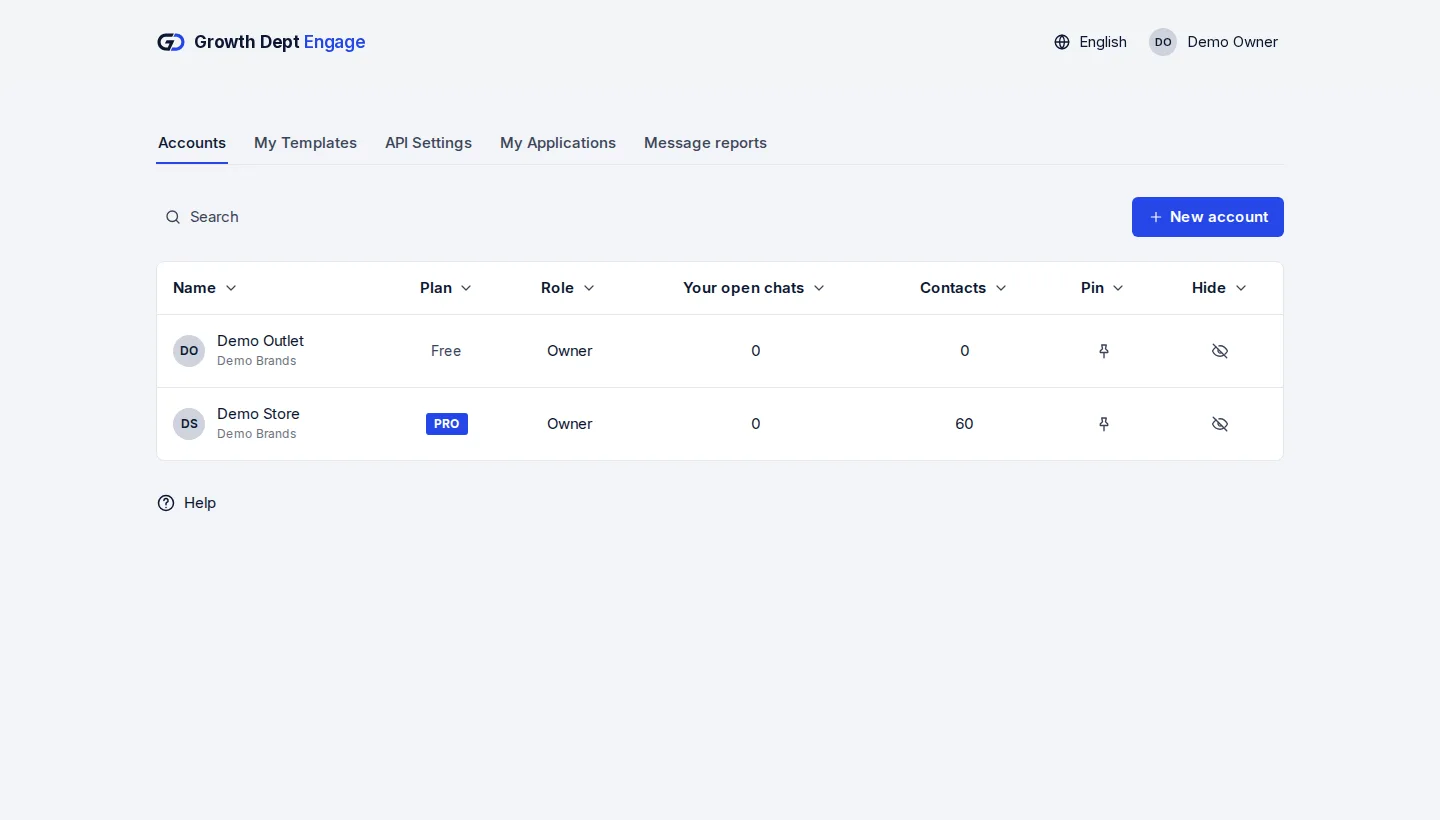
Step 1: Request access
Tell us about your brand and the channels you use, and we set up your account with you.
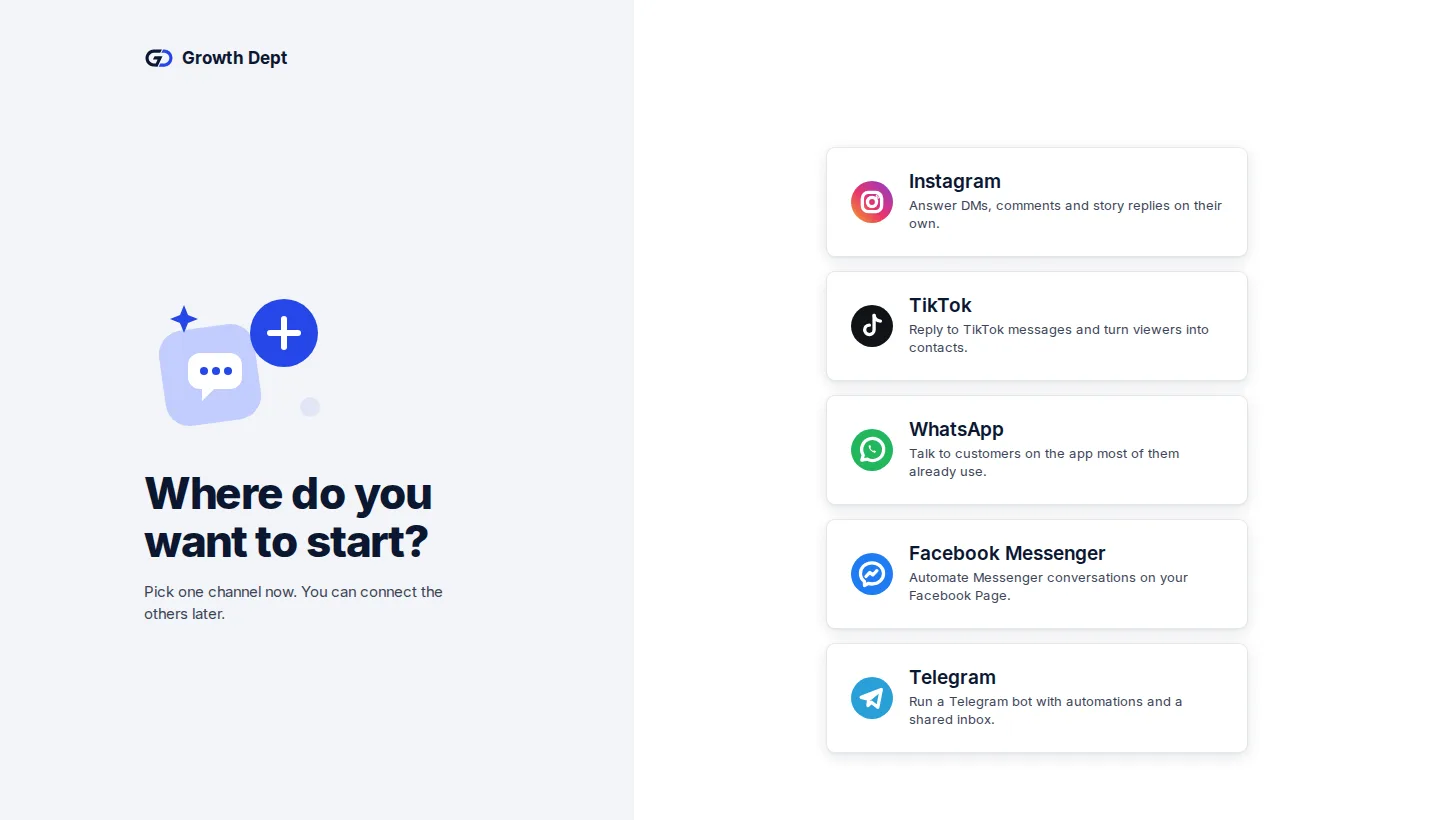
Step 2: Invite your team
Add teammates and give each one a role.
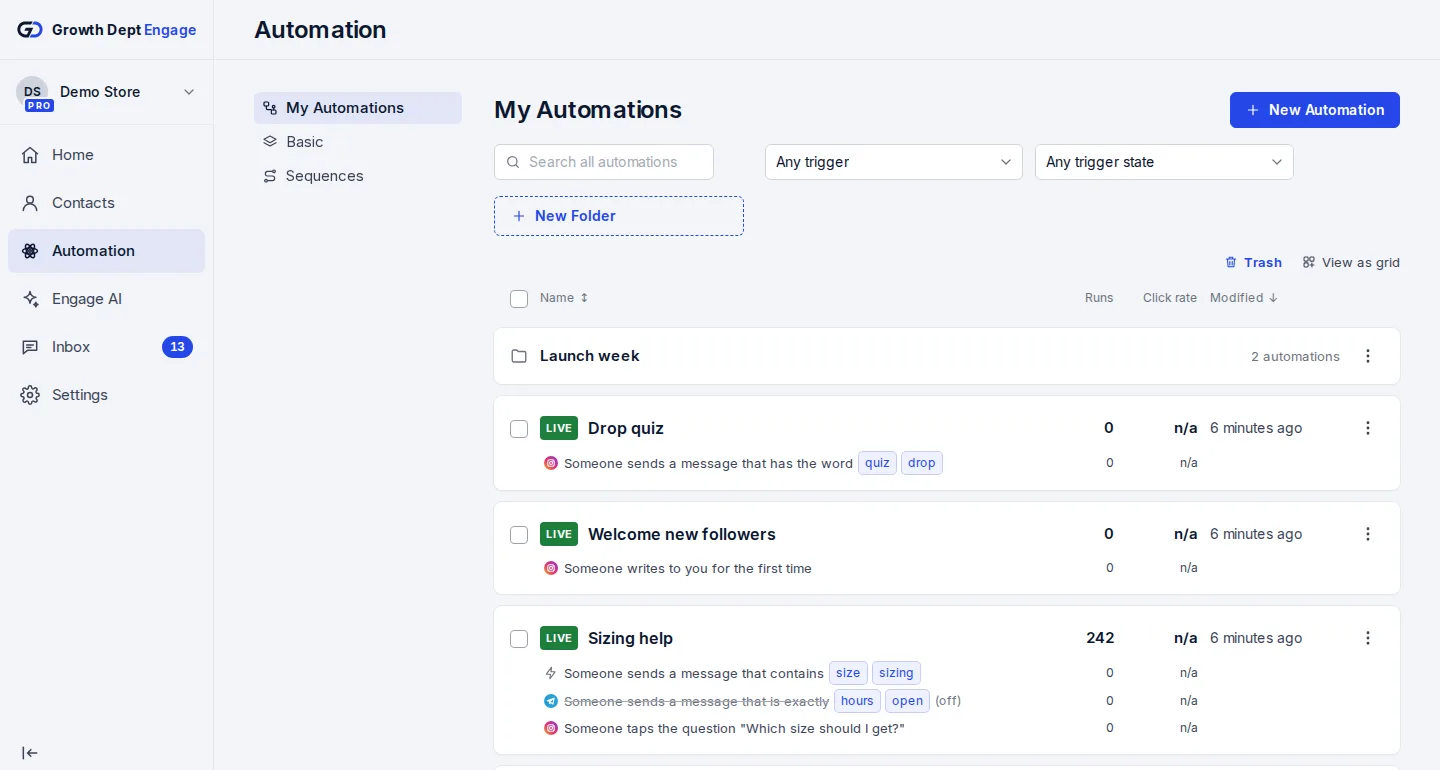
Step 3: Switch on an automation
Start from a template or build your own flow, try it on your own phone, then turn it on.


Every channel lands here
- InstagramDMs, comments, stories and new followersLearn more Not live yet
- WhatsAppAnswers, updates and templates on WhatsAppLearn more Not live yet
- MessengerAnswers for your Facebook Page's messagesLearn more Not live yet
- TikTokReplies for the people your videos bring inLearn more Not live yet
- TelegramBots with buttons, commands and linksLearn more Live
- SMSTexts with consent and quiet hours built inLearn more Not live yet
- EmailEmails that follow up on a chatLearn more Live
- Website chatA chat window on your own siteLearn more Live